Local Recording API
An API that enables developers to capture audio and video data from virtual and in person meetings.
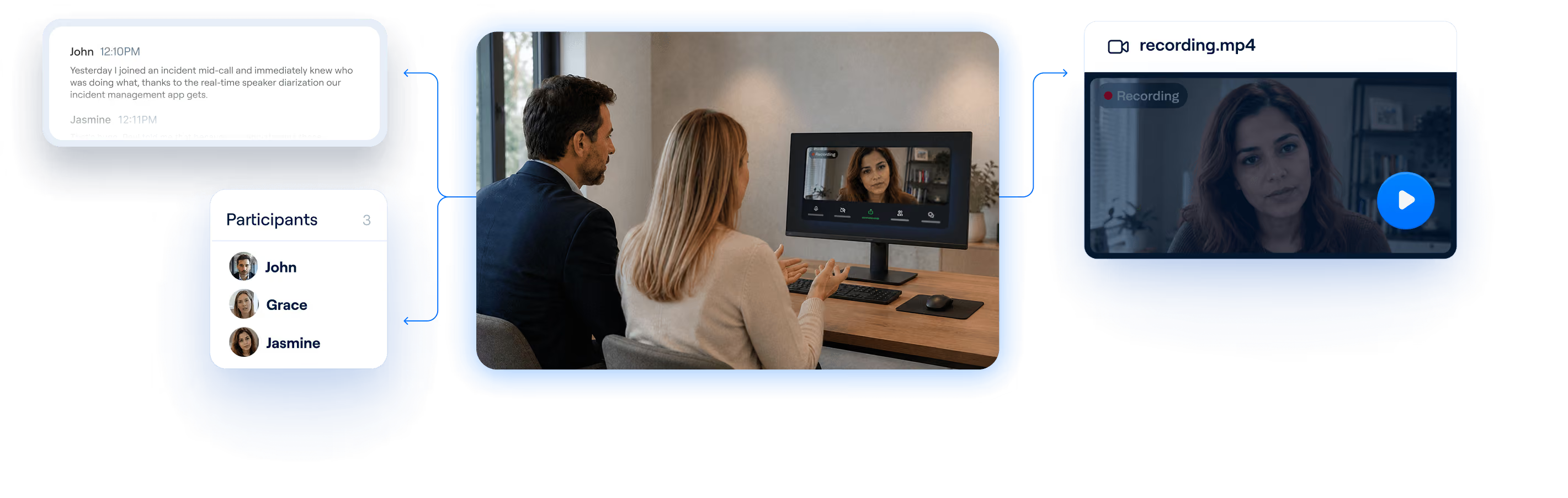
An alternative to Local Recording APIs
Recall.ai’s Desktop Recording SDK provides a seamless and discreet way to record meetings.










Get audio, video, transcripts and metadata
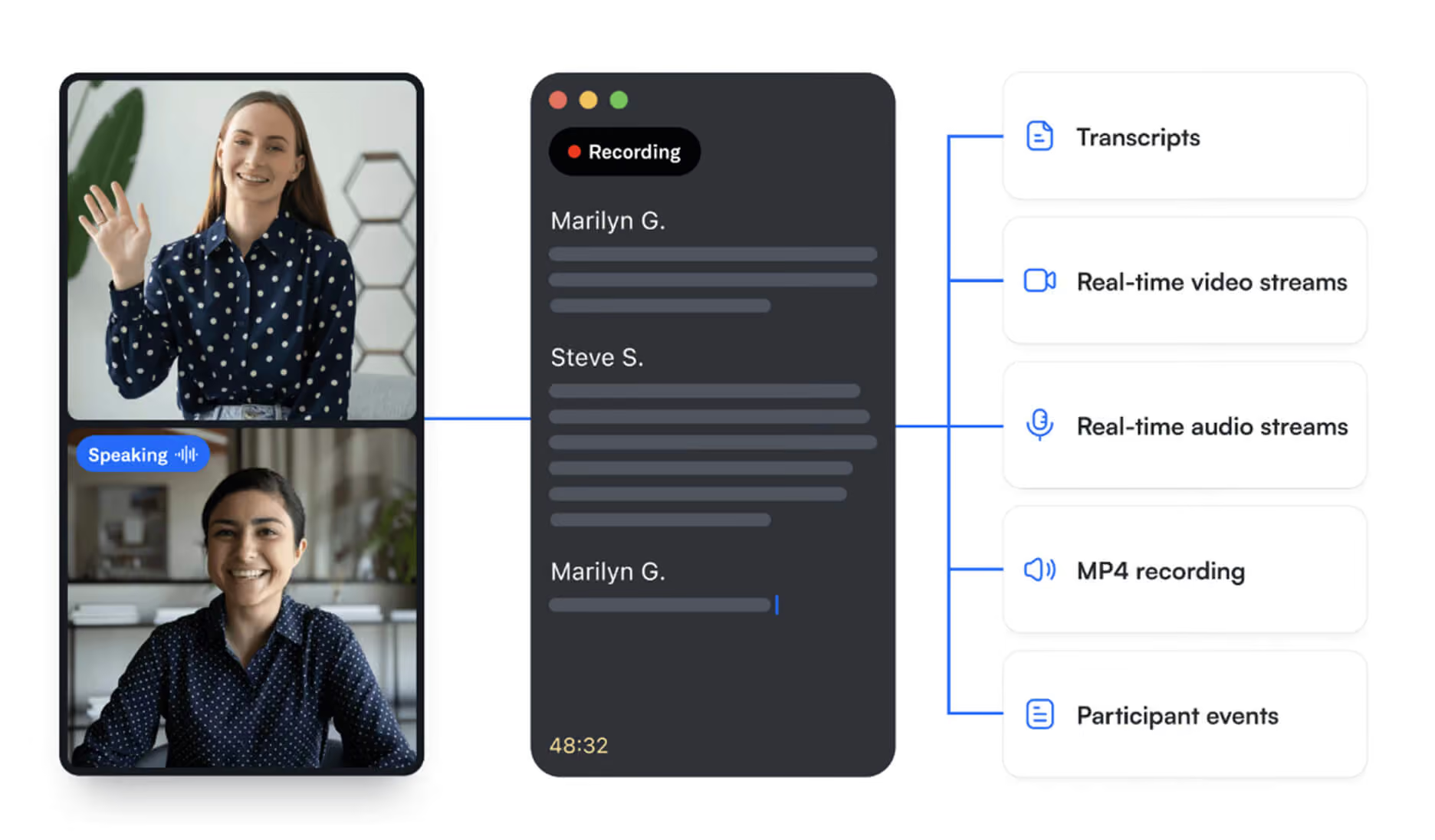
A local recording solution that works across operating systems
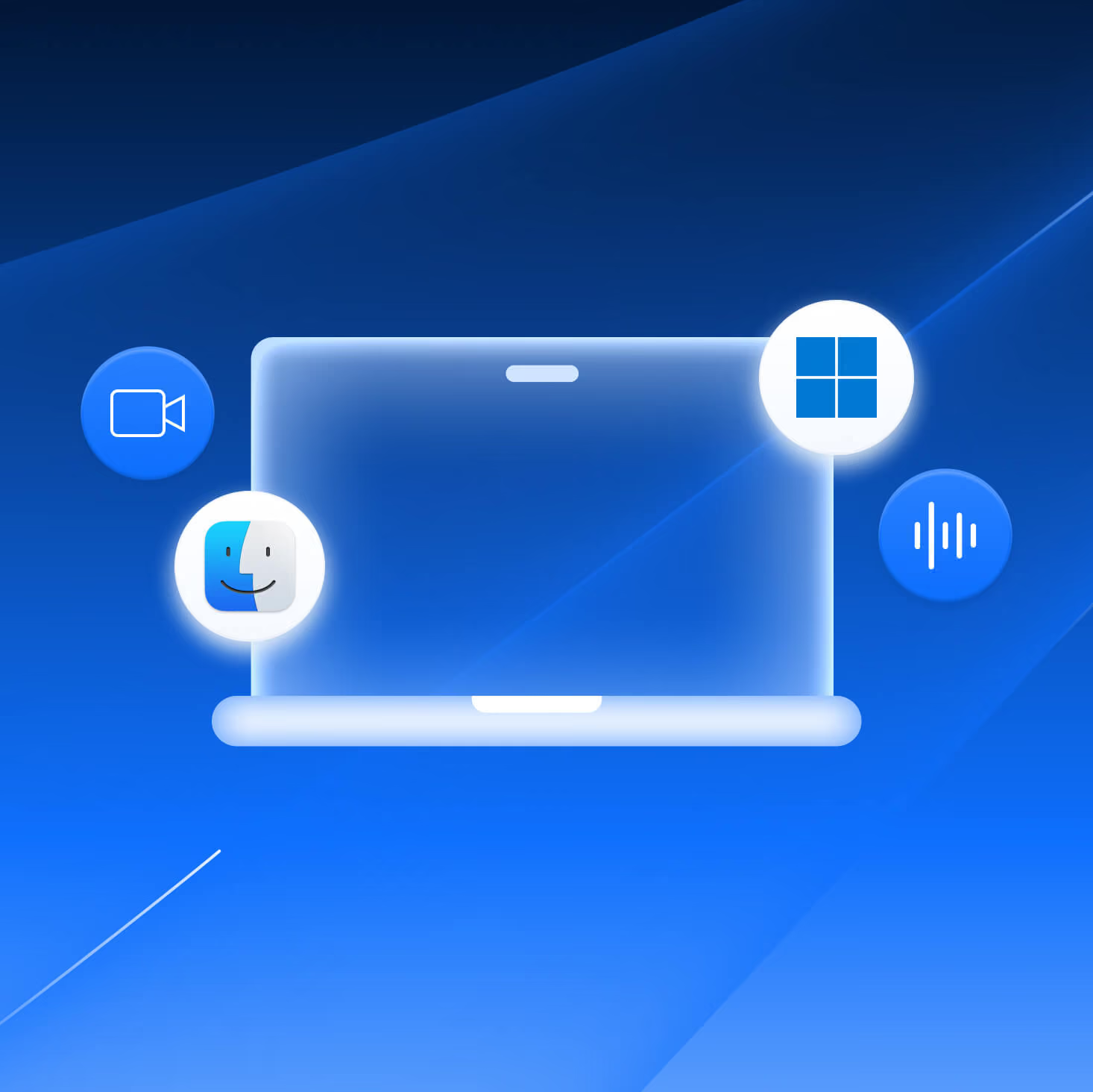
Desktop recording SDK
Supports macOS and Windows with built-in system audio, microphone audio, and video capture capabilities.

Screen Capture Kit
Screen Capture Kit
Compatibility: macOS
Apple’s modern macOS framework for screen and system audio capture.

Core Audio Taps
Core Audio Taps
Compatibility: macOS
An API used for capturing system, application and microphone audio.

AV Foundation
AV Foundation
Compatibility: macOS
Apple’s media framework used for microphone input, audio recording, and video

WASAPI
WASAPI
Compatibility: Windows
Microsoft’s Windows audio API for capturing system and microphone audio
AudioTee
AudioTee
Compatibility: macOS
An audio routing tool for duplicating and capturing audio streams.

Frequently asked questions
A local recording API enables developers to capture meeting conversations across virtual and in-person environments, operating systems, and meeting platforms. It provides access to meeting audio streams, which developers need to build meeting recording products.
If you want a solution that works reliably across operating systems and meeting platforms, Recall.ai’s Desktop Recording SDK provides production-ready meeting recording infrastructure without requiring developers to handle the many edge cases themselves. Otherwise, developers can piece together their own solution using a combination of the tools discussed above.
Frameworks like ScreenCaptureKit and AVFoundation can be used for video recording, but they come with limitations around capturing audio. As a result, developers often need to combine multiple APIs and tools to build a desktop recording app. Alternatively, you can use Recall.ai’s Desktop Recording SDK to avoid this complexity.
Electron DesktopCapturer is an Electron API that allows developers to select which screen and window to record. Since DesktopCapturer only handles screen and window selection, developers must also write code to capture system audio and microphone audio if they want to record a meeting.
Recall.ai's Desktop Recording SDK captures audio, video, and transcripts with speaker labels directly on Windows and macOS for all of the major meeting platforms.
Unlike other solutions, Recall.ai's Desktop Recording SDK provides access to meeting data beyond just audio and handles many of the edge cases required for production-ready meeting recording. These include echo cancellation, mute-state detection, microphone selection, and audio isolation.
The Desktop Recording SDK supports both Windows and macOS devices and is designed to work reliably across different operating systems and hardware versions.
Yes, Recall.ai is SOC 2, ISO 27001:2022, GDPR, CCPA, and HIPAA compliant.
We’ve seen production deployments in just a few days for teams with an existing desktop app.


