Slack Huddles API
Programmatically get audio, transcripts and meeting events from Slack Huddles, in real-time or asynchronously

One way to get all your Huddles data
The fastest way to access audio, transcripts, and metadata, whether in real time or post-call, through a single unified API. Start with Slack Huddles and easily expand to Zoom, Microsoft Teams, and Google Meet.
The leading Slack Huddles recording SDK
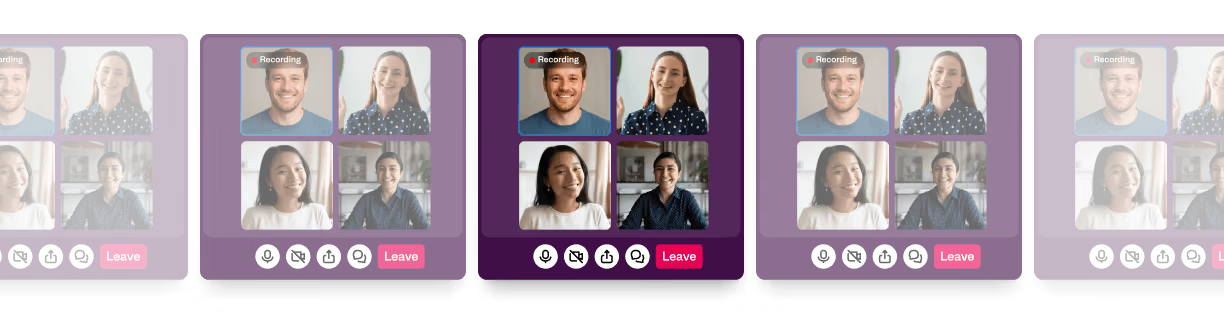
Get meeting data for unplanned conversations
Using the Desktop Recording SDK, developers can automatically or manually record huddles in channels or between users, both public and private.

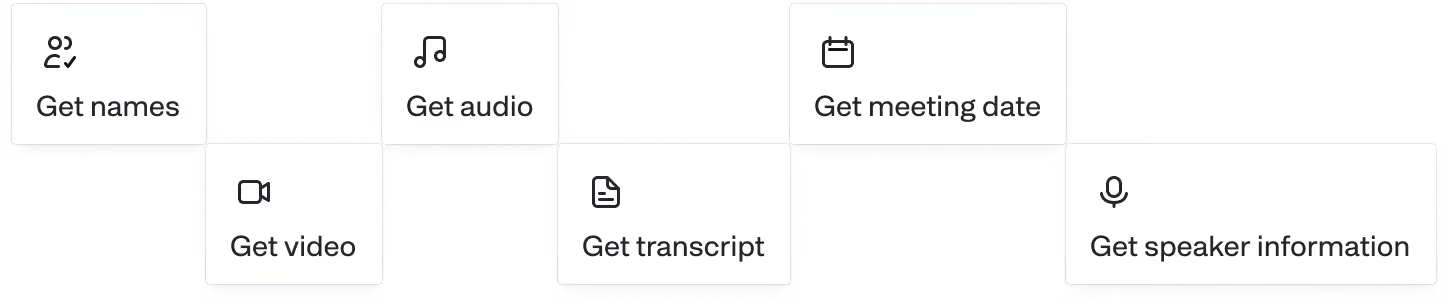
Capture every detail from every meeting
Retrieve audio, transcripts, and meeting events in real-time or after the call.

Scale up or down instantly
Record as many Slack Huddles as you need. We’ll handle reliability, scaling, and compliance.
Deploy in minutes, not hours
Building a Slack Huddles recording API from scratch can take months of engineering work. With Recall.ai, you’ll be live in hours.
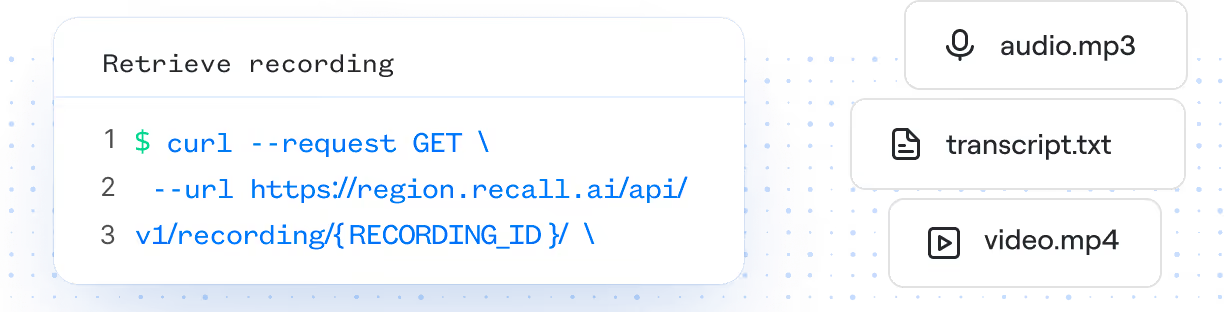
How Slack Huddles recording works
Keep Slack Huddles transcripts and recordings secure
Integrate Recall.ai's Desktop Recording SDK into your app and we’ll handle scaling, reliability, and compliance, so your team can focus on creating the features your users love.
Reliable and stable
We power call recording features for thousands of companies, ranging from seed-stage startups to Fortune 500 enterprises.
Onboarding support
We work closely with your team, and have shared Slack channels to ensure so you are set up for success.
Scalable infrastructure
We run thousands of concurrent bots and process billions of minutes in recording per year. All while maintatining a 99.9% uptime SLA.
Security Controls
We are SOC2, ISO 27001, GDPR, CCPA, and HIPAA Compliant.
For more information, check out our security portal.
GDPR
SOC 2
HIPAA
CCPA
ISO 27001
Easiest Slack Huddles Transcription API
Use the Desktop Recording SDK to get transcripts from huddles in private or public channels and even between users. You'll immediately be notified when your transcript is complete.
Frequently asked questions
You do not need to register any Slack app. Recording happens on your user's device and captures their audio to produce recordings.
Yes. You can receive audio streams in real time and process them instantly.
Yes. Since recording Slack Huddles using the Desktop Recording SDK happens locally, users can record any Slack Huddles regardless of workspace.
Yes, Recall.ai is SOC 2, ISO 27001:2022, GDPR, CCPA, and HIPAA compliant.
We can either store your data or you can set custom retention for all of your Slack Huddles meeting data, including transcripts, depending on your needs and compliance requirements.
Yes. You can get recordings and transcripts in addition to meeting events.
You can use Recall.ai Transcription or you can bring your own API keys for any of our transcription providers.


