Conversational Agent API
Build agents that access conversation data with an API that works across all meeting platforms.
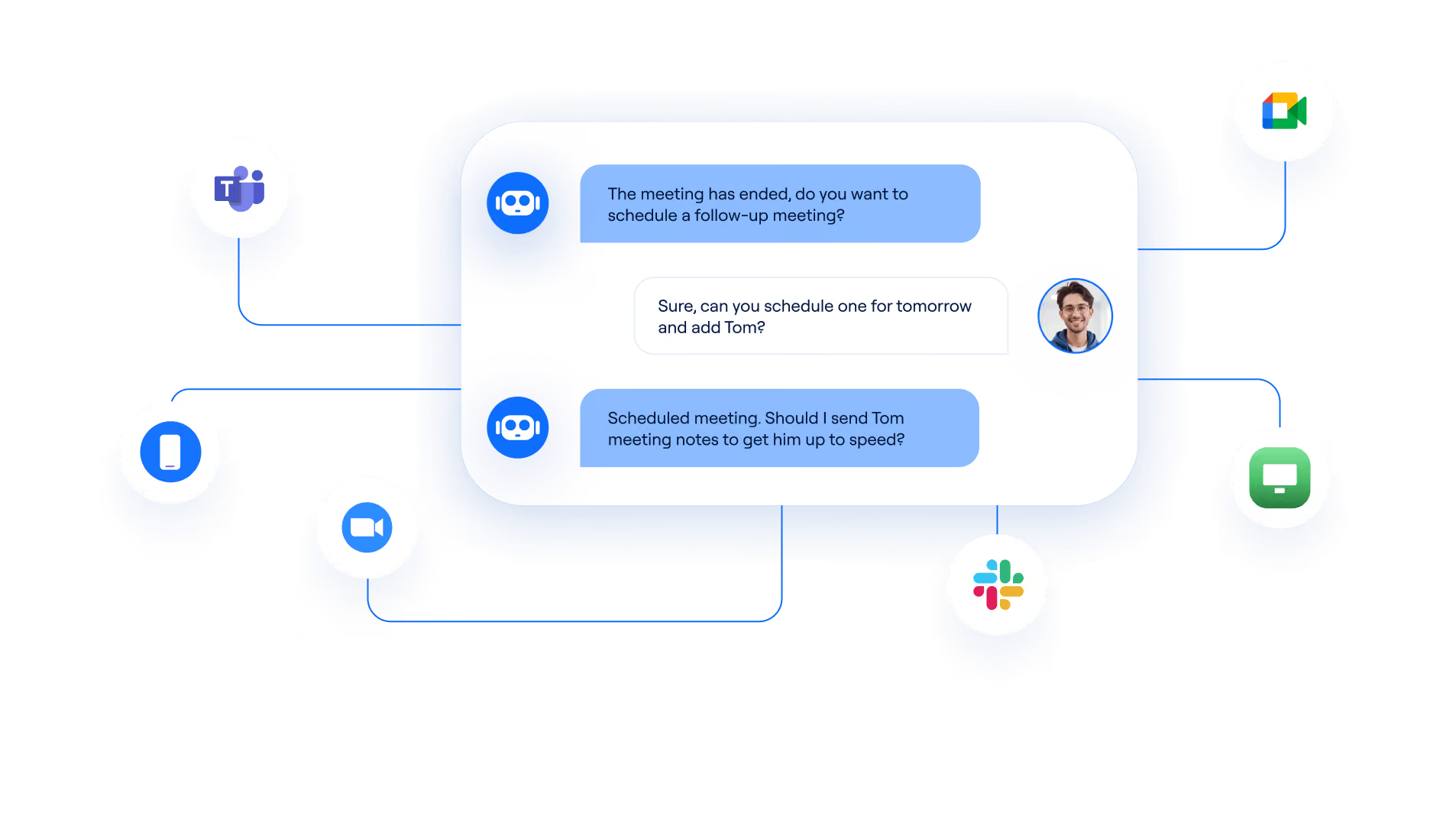
Two ways to use Recall.ai's conversational agent API
Recall.ai's API is the simplest way to get meeting conversation data at scale. Access video recordings, audio recordings, speaker-labeled transcripts, and meeting metadata, in real-time or post-call.






Use Recall.ai's API to get meeting data and build conversational AI agents
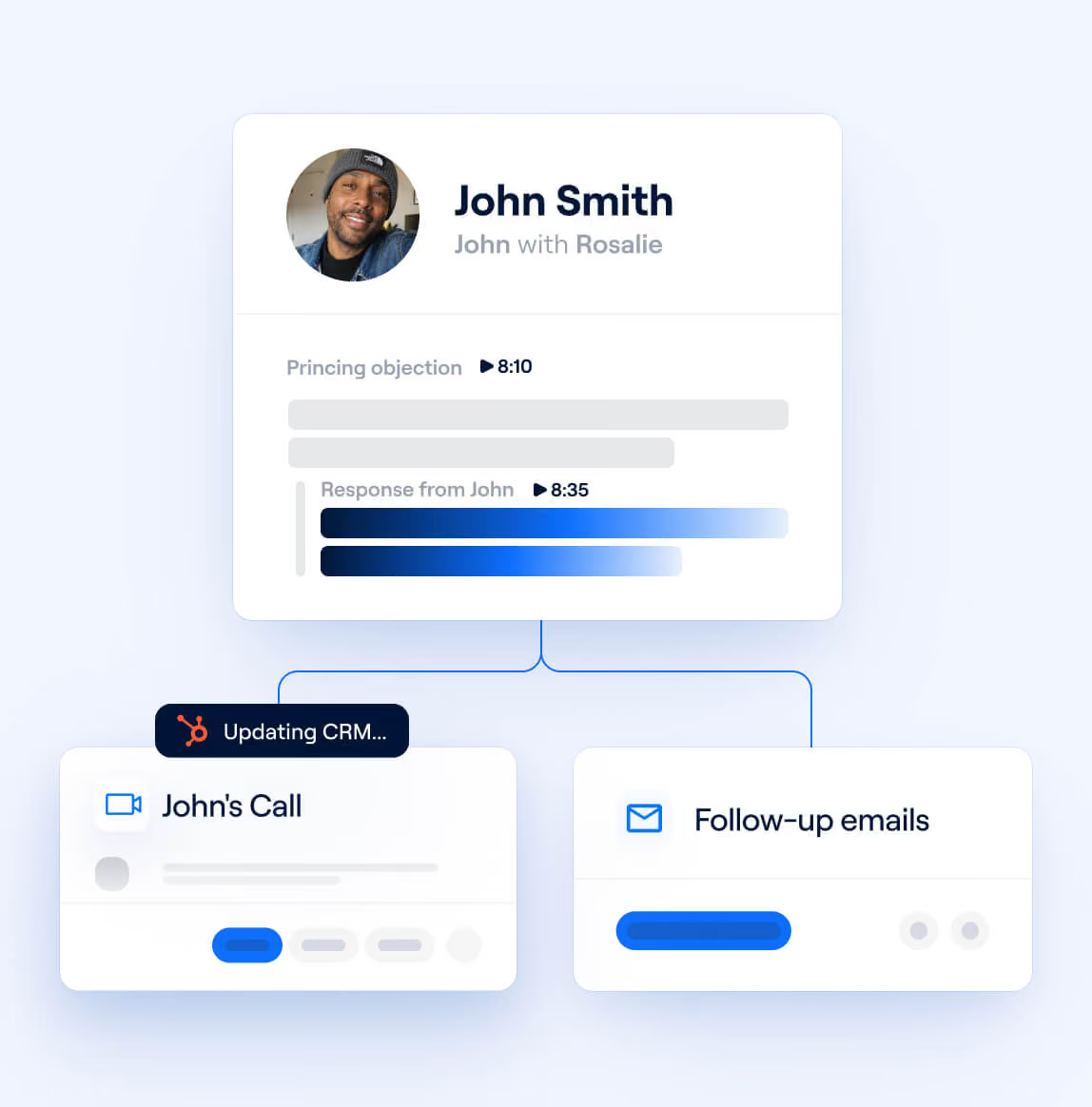
Sales
Build conversational AI agents that analyze sales calls, provide real-time objection handling, and update CRM records after each meeting.


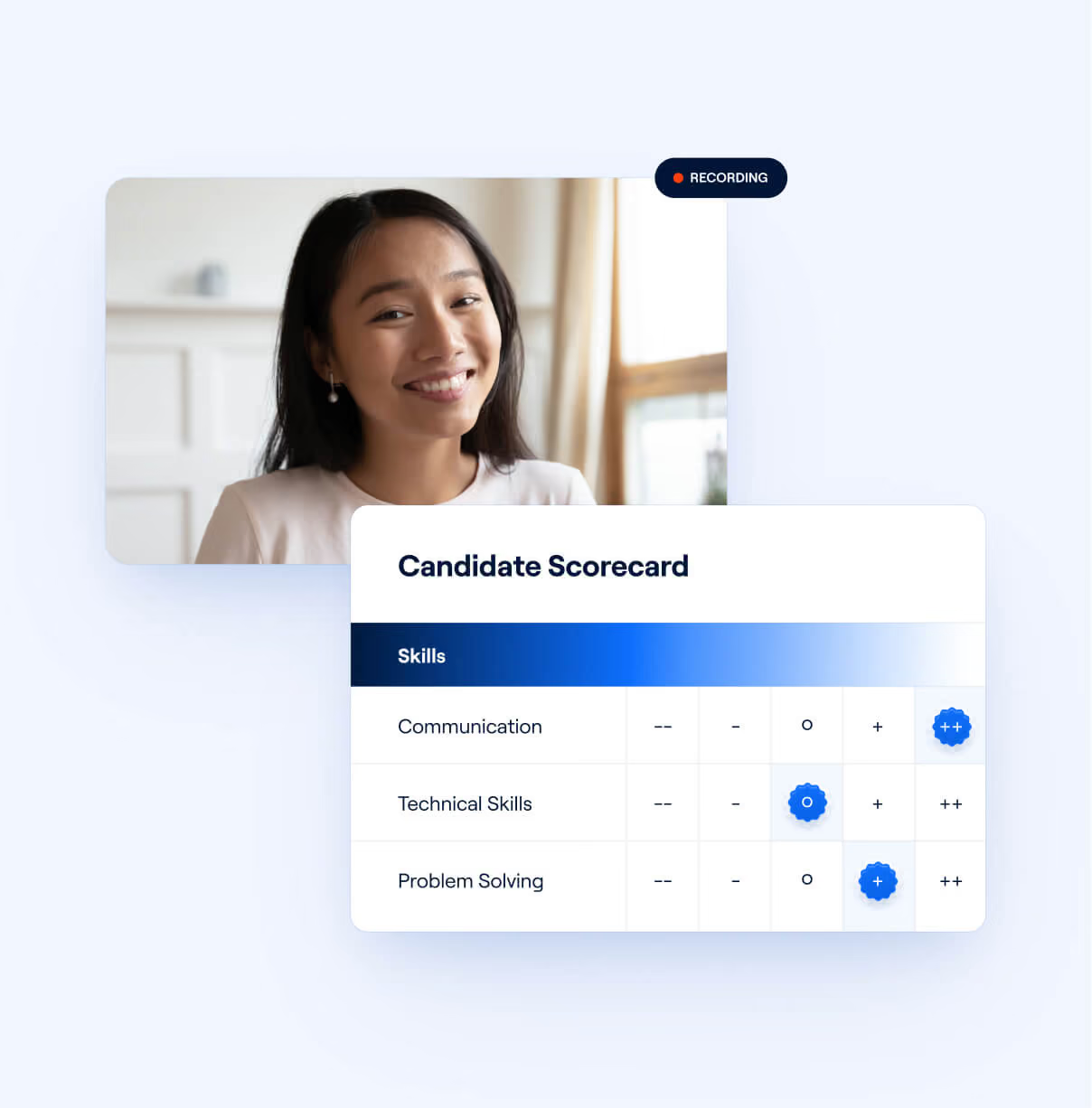
Interviewing
Analyze conversations that happen in interviews, provide real-time transcripts for interviewers, generate interview summaries and automatically generate scorecards that sync with the ATS once the meeting ends.


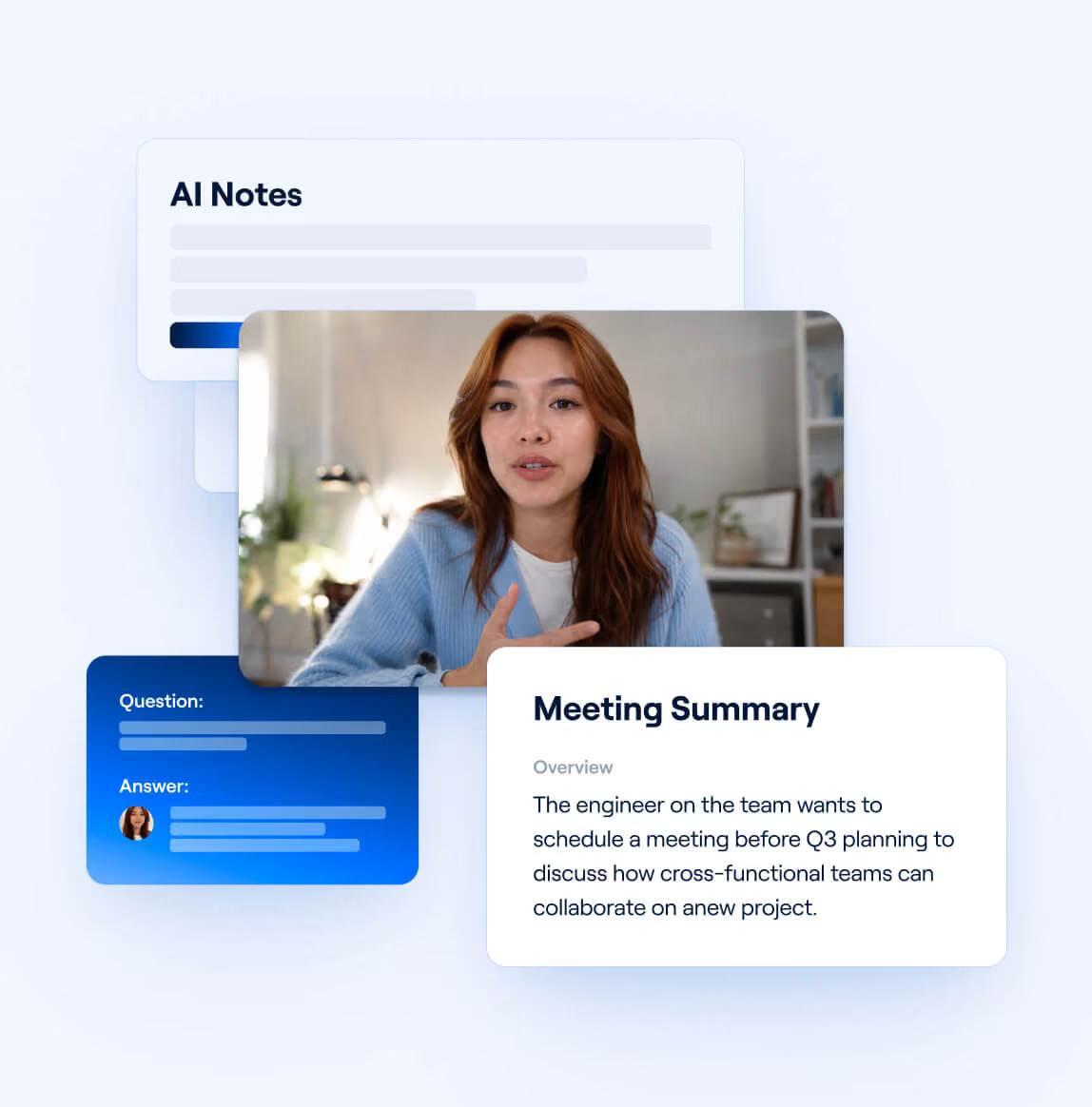
Productivity
Summarize key insights from meetings, schedule next steps, and draft email follow-ups for every conversation. Connect your agent to your company CRM so it always works with the latest context.


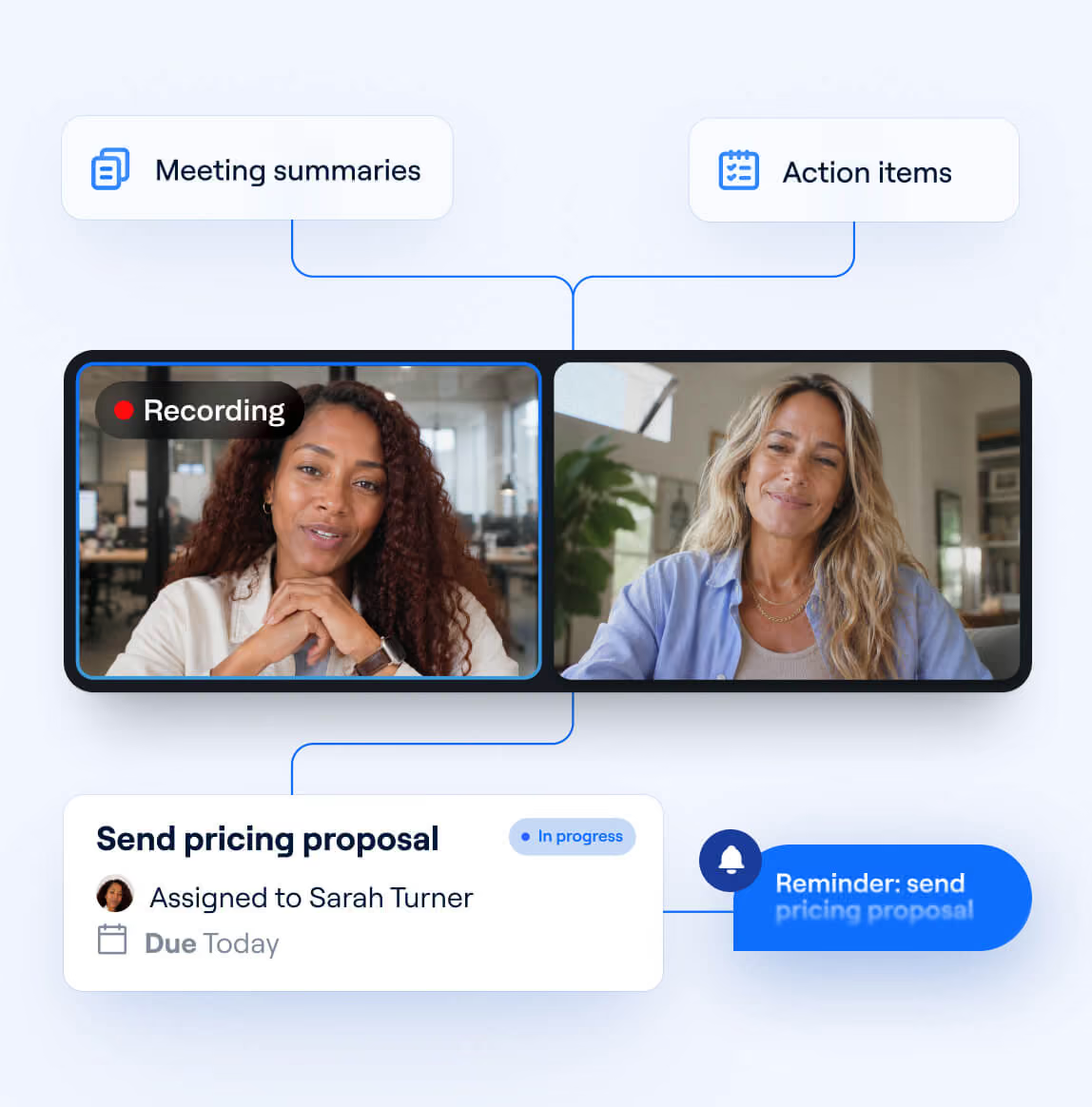
Project management
Build agents that use planning meetings and standups to create and assign tasks, generate project briefs, and auto-update project timelines and stakeholders.



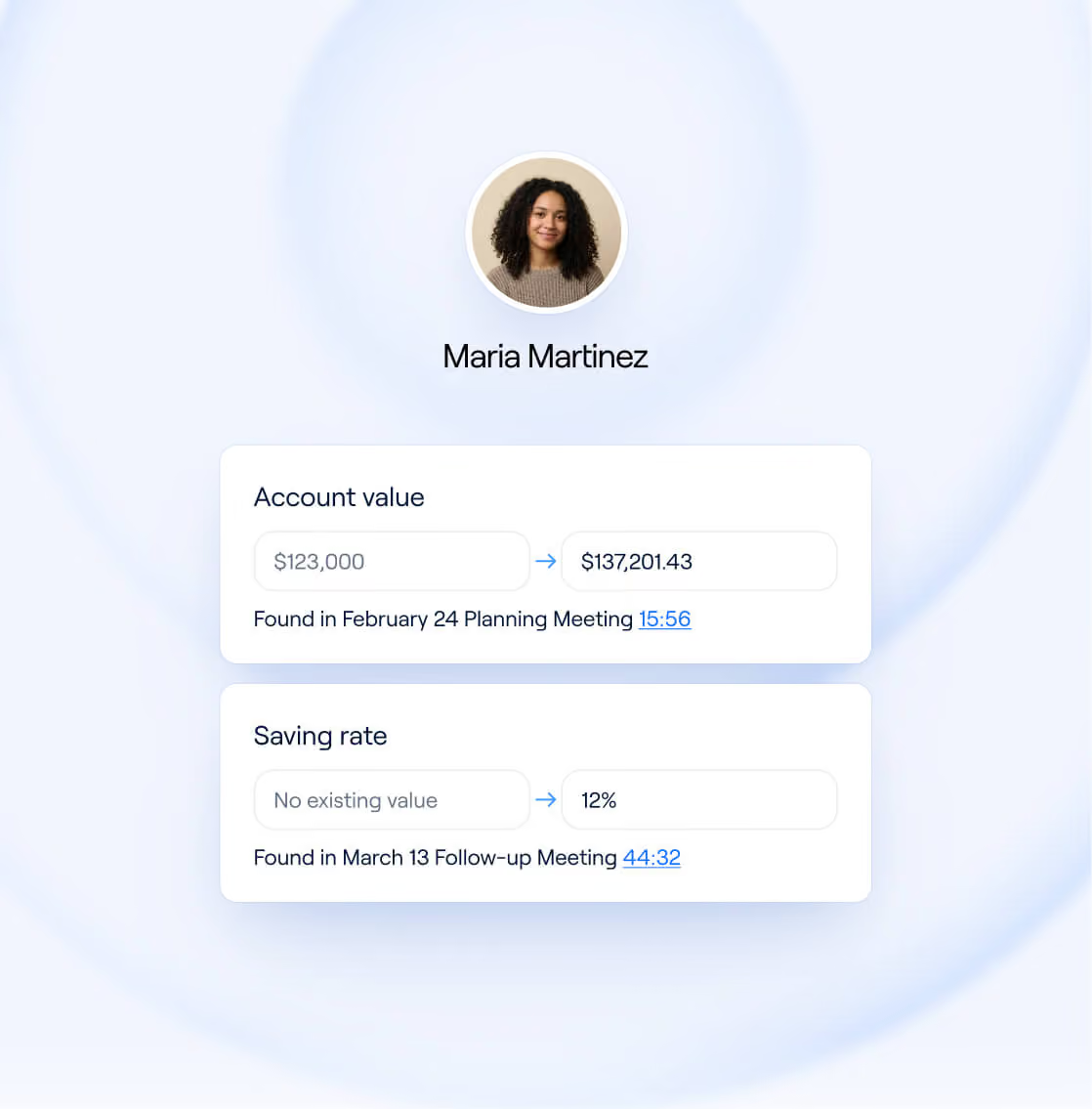
Finance
Build a notetaker for advisors and automatically update your CRM with financial, personal, and professional milestones discussed with clients -so every meeting starts with the right context and every relationship feels personal.



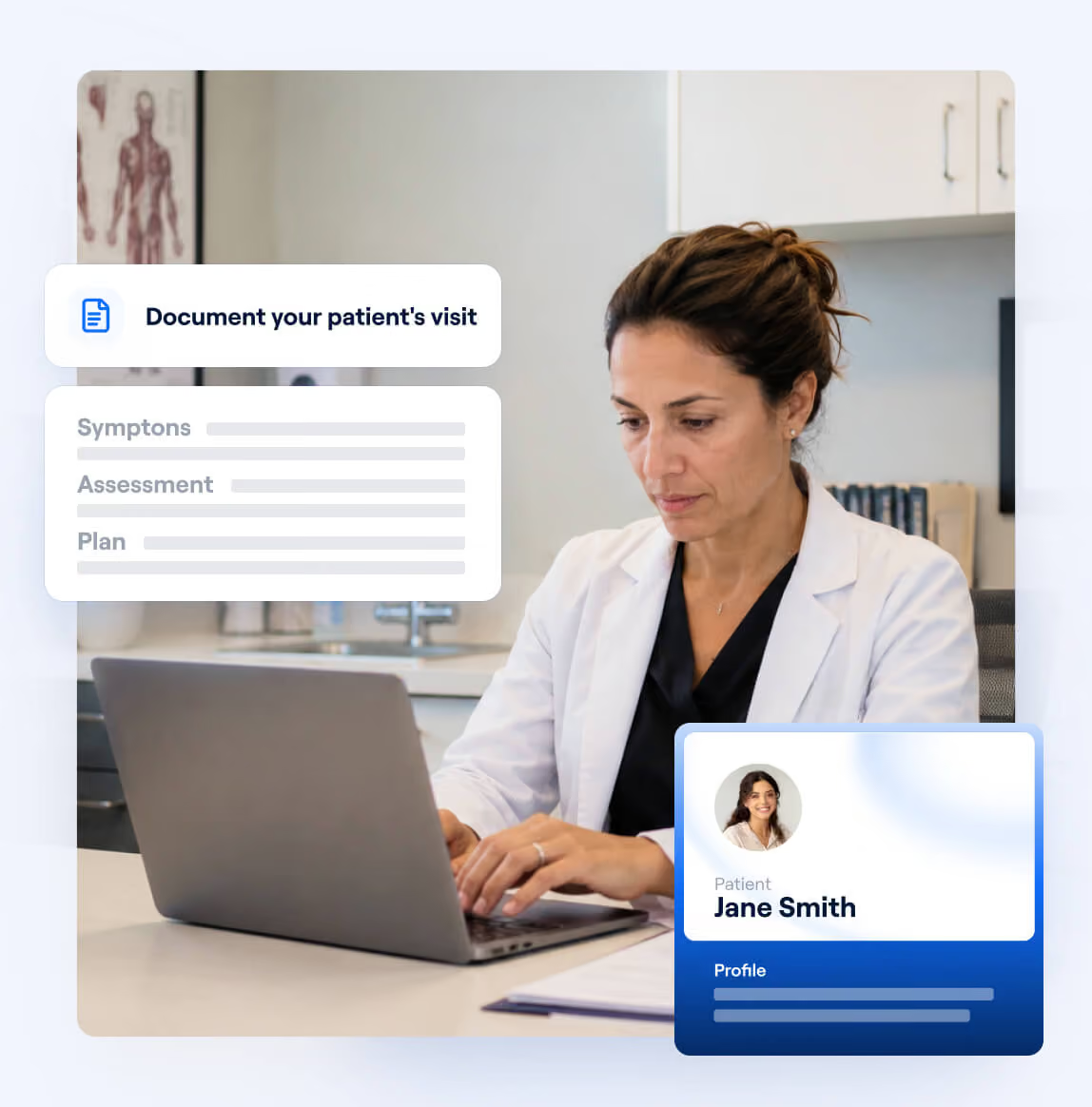
Healthcare
Analyze medical appointments in real-time to diagnose patients and assist doctors with EHR note generation. Allow medical professionals to focus on patient care instead of charting.


Capture all your conversation data using a single API


Shipping our AI notetaker with Recall.ai took us less than a quarter from kickoff to getting it into customers’ hands and we are able to reliably get data from each meeting provider.



Keep your conversation data secure
We are SOC2, ISO 27001, GDPR, CCPA, and HIPAA Compliant.

GDPR

SOC 2

HIPAA

CCPA

ISO 27001
How customers use Recall.ai's API to power conversational agents
Recall.ai lets you build agents that listen and proactively take action in real-time or after the call.
.avif)
Frequently asked questions
A conversational agent ingests conversation data as context and uses that context to participate in a conversation with an end user in real time or in future chats. With Recall.ai, developers can use both the Desktop Recording SDK and the Meeting Bot API to capture the conversation data as context the conversational agents need.
Transcripts with speaker labels are available in both real-time and post-meeting workflows. Other meeting data such as participant lists, meeting URLs, audio recordings, and video recordings will be available once the meeting ends.
Recall.ai’s transcription supports more than 40 languages. If a language is not supported, you can integrate a third-party transcription provider. Recall.ai supports integrations with providers such as AssemblyAI, Deepgram, and ElevenLabs, and can also integrate with a provider of your choice.
You can use your own transcription provider if preferred, but Recall.ai also offers built-in transcription with competitive pricing and integrated functionality to simplify your workflow.
Recall.ai's Desktop Recording SDK captures audio, video, and transcripts with speaker names directly on Windows and macOS for all of the major meeting platforms.
Recall.ai can either store meeting data for you or support custom retention policies depending on your needs and compliance requirements.
Recall.ai focuses on the infrastructure for accessing meeting conversation data, so developers don’t have to build and maintain it themselves. Developers can then focus on building their own AI workflows, including automating interview scorecards, generating meeting summaries programmatically, extracting tasks, or other use cases.
Recall.ai supports teams ranging from early-stage startups to Fortune 500 companies building products on top of meeting data for end users.
The Meeting Bot API supports major meeting platforms including Zoom, Google Meet, and Microsoft Teams.
The Desktop Recording SDK supports recording across meeting platforms and can also capture in-person conversations.
You can use Recall.ai's Output Media feature to build an AI meeting agent that can share video, speak in meetings, and interact like a participant.
Yes. You can sign up for self-serve access and try Recall.ai for free.


