Recall.ai provides the
Suite of APIs for meeting recording

Our API securely captures audio, video, transcripts, and metadata from conversations – whether they happen in a video conference, phone call, or in-person chat.

Coming Soon

Meeting Bot API

Watch Demo
Coming Soon

Meeting Bot API

The Meeting Bot API captures recordings, transcripts, and metadata through a bot joining a meeting. It is the most unrestricted way to capture meetings, and the only way for AI agents to join meetings. It is worth noting that a bot will be visibly present in the meeting.

Recommended for:

Products that need to capture meeting data without requiring user installation, or that want to add AI agents into meetings.

Complementary products:
Calendar API
Coming Soon

Desktop Recording SDK

Watch Demo
Coming Soon

Desktop Recording SDK

The Desktop Recording SDK records meetings through a desktop app on the user’s computer. It captures the same meeting data as the Meeting Bot API but without a bot appearing. It is worth noting users are required to install a lightweight desktop app.

Recommended for:

Products that need to capture meeting data without a bot being visible in a meeting.

Complementary products:
Calendar API
Coming Soon

Calendar API

Coming Soon

Calendar API

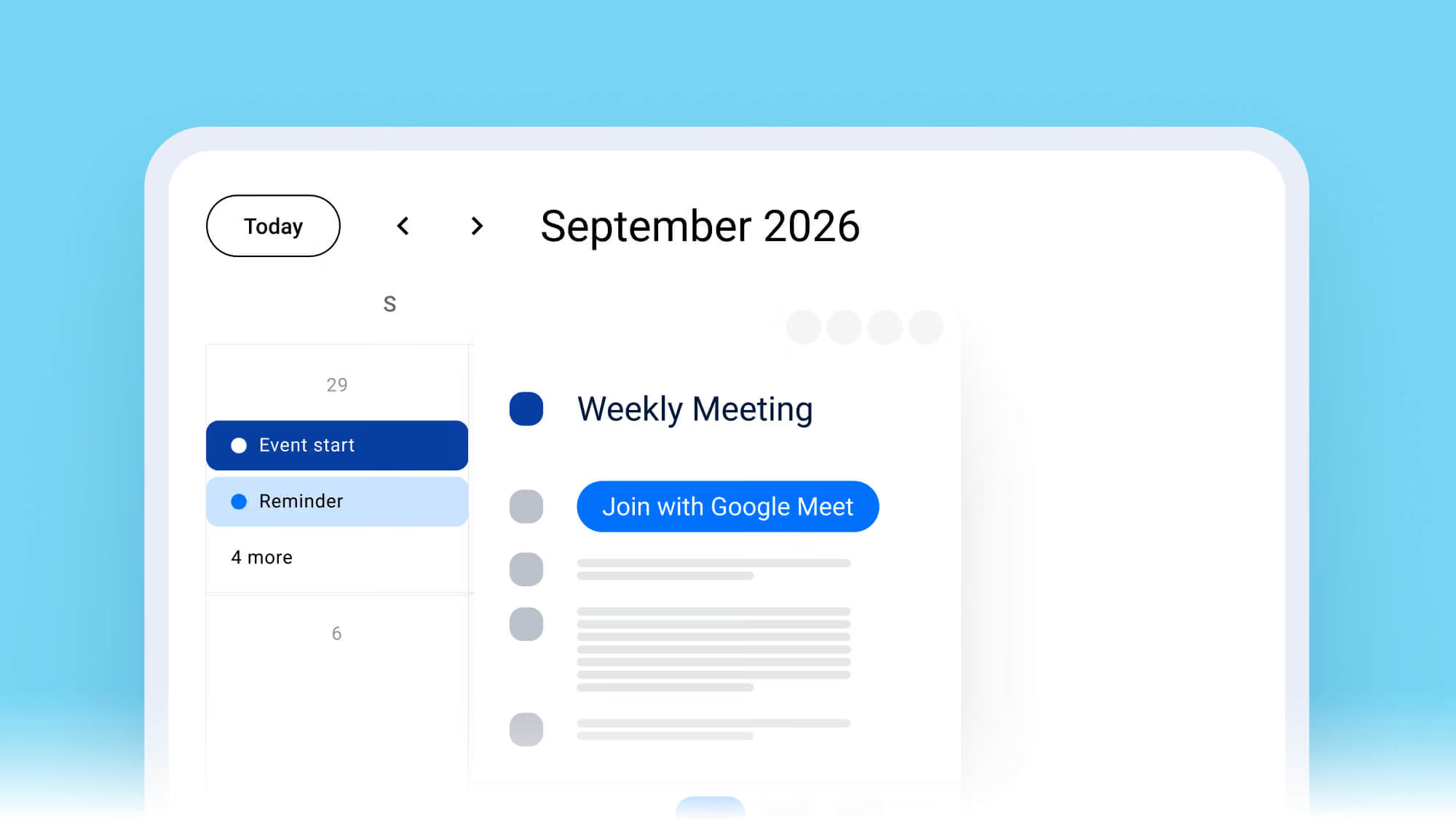
The Calendar API is designed to work alongside the Meeting Bot API and Desktop Recording SDK. For the Meeting Bot API, it enables bots to automatically join meetings that are on the user’s calendar, and enriches recordings with participant emails, meeting titles, and other metadata.  For the Desktop Recording SDK, it also enriches recordings with meeting metadata.

Recommended for:

Products using the Meeting Bot API or Desktop Recording SDK.

Coming Soon

Mobile Recording SDK

Coming Soon

Mobile Recording SDK

Mobile recording SDK is the latest addition to our suite of products. Record meetings now during phone calls or in person.

Join our newsletter and get notified when it launches.

Recommended for:

Products that need to capture meeting data without requiring user installation, or that want to add AI agents into meetings.

Complementary products:
Calendar API

Frequently asked questions

It takes 5 minutes to send a bot to a call or configure a botless desktop recorder with Recall.ai’s API. From there, it takes developers an average of 72 hours to bring a product to market using Recall.ai – much faster than any alternative solution.

Any company looking to build products with conversation data can benefit from using Recall.ai: We support over 3,000+ companies across industries like sales, productivity, recruiting, HR, finance, legal, healthcare, incident management, and more. You can see some examples of how customers use Recall.ai on our Case Studies page.

Yes! Recall.ai supports the whole process of working with conversation data in one place – from capturing live audio, video, and metadata as soon as a meeting begins to storing data and videos after the conversation ends. Once a meeting is complete, all data can be accessed via a single API endpoint – regardless of how or where you recorded it.

Yes, Recall.ai delivers real-time transcripts labeled with speaker names across both the meeting bot API and the desktop recording SDK. Companies can choose between using Recall.ai’s native transcription service or one of the many third-party transcription providers we integrate with.

The Meeting Bot API can capture live and asynchronous audio, video, transcripts, metadata, chat messages, and participant events like muting and unmuting, sharing screen, and more.

Yes. The desktop recording SDK detects when a meeting starts on the user’s computer and can be set to record meetings automatically.

Yes. Teams can set custom rules about which meetings on a user’s calendar bots should record. For example, they can choose to record all meetings with external participants or with keywords like “Demo call” or “Interview” in the meeting title.

Yes, you can record in-person or hybrid meetings using Recall.ai’s desktop recording SDK by capturing the conversation audio directly from a MacOS or Windows computer.