Google Meet Recording API
Get meeting recordings from Google Meet with a single API

Two form factors to record meetings on Google Meet the way you want
The fastest way to pull video recordings, audio recordings, transcripts, and metadata, in real time or post-call. Recall.ai's Google Meet bot API & Desktop Recording SDK provide all the functionality you need from a Google Meet meeting recording API through one unified endpoint.
One API to get recordings in real time or post-meeting for every platform
Go beyond Google Meet with ease. The recording API automatically expands to Zoom, Microsoft Teams, Slack, and more with no additional engineering required.

.avif)


The easiest way to get Google Meet recordings via API
Get meeting recordings no matter the edge case
Use our recording API endpoint to get recordings for any Google Meet meeting without host permissions or user attendance. Works on all meeting platform tiers, including free accounts, unlike many native APIs.

Capture every detail from every meeting
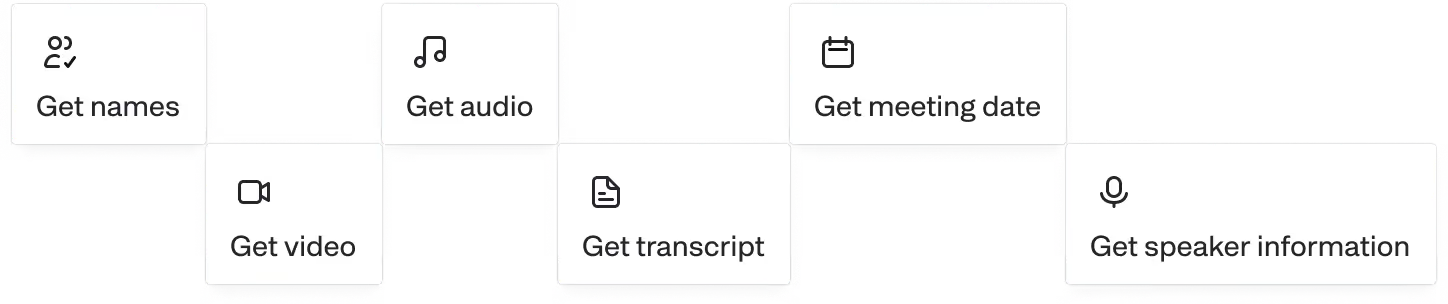
Retrieve audio, video, transcripts, and metadata (participant emails, participant lists, meeting titles, etc) in real-time or asynchronously.

Scale up or down instantly
Get recordings from as many meetings as you need using Recall.ai's Meeting Bot API or Desktop Recording SDK. We’ll handle reliability, scaling, and compliance.
.svg)
Deploy in minutes, not hours
Building meeting recording capabilities from scratch can take months of engineering work. With Recall.ai, you’ll be live in hours.
%20final.svg)
An API for more than recordings
With Recall.ai, you don’t just get recordings. Access transcripts, participant events, and rich metadata in real-time or post call.
Keep your Google Meet data secure
Just call our API and we’ll handle scaling, reliability, and compliance, so your team can focus on creating the features your users love.
Reliable and stable
We power call recording features for thousands of companies, ranging from seed-stage startups to Fortune 500 enterprises.
Onboarding support
We work closely with your team, and have shared Slack channels to ensure so you are set up for success.
Scalable infrastructure
We run thousands of concurrent bots and process billions of minutes in recording per year. All while maintatining a 99.9% uptime SLA.
Security Controls
We are SOC2, ISO 27001, GDPR, CCPA, and HIPAA Compliant.
For more information, check out our security portal.
GDPR
SOC 2
HIPAA
CCPA
ISO 27001

Frequently asked questions
A Google Meet meeting recording API is any API that programmatically records Google Meet meetings. At Recall.ai that functionality is available both in the Desktop Recording SDK and Meeting Bot API, both of which provide additional data.
Yes. Recall.ai's Desktop Recording SDK and Meeting Bot API work across all major platforms.
Yes. The Recall.ai Meeting Bot API and Desktop Recording SDK both deliver real-time audio and video via websocket and offer recordings after the meeting via API endpoint.
Yes, Recall.ai is SOC 2, ISO 27001:2022, GDPR, CCPA, and HIPAA compliant.
We can either store your data or you can set custom retention for all of your meeting data, including recordings, depending on your needs and compliance requirements.
Recall.ai's Google Meet Recording API captures screenshare. The final video provided displays the meeting as if you were a participant.
You can get recordings and transcripts in addition to metadata, speaker names, timestamps, and participant emails.
They're often used interchangeably. Both meeting recording API and meeting recorder API refer to an API that allows access to recordings for meetings hosted on meeting platforms such as Google Meet, Microsoft Teams, or Zoom.
Recall.ai's Google Meet Recording API supports speaker-separated audio in real time and after the meeting.
Recall.ai's Google Meet Recording API supports speaker-separated video in real time and after the meeting.
Yes. You can sign up for self-serve and get your first several hours free to test on Recall.ai.
Recall.ai’s Google Meet Bot API allows you to pull transcripts, video & audio recordings, and metadata, in real time or post-meeting. You can learn more about the transcription features on our Google Meet Transcription API page.
The easiest way is to use Recall.ai’s Google Meet Bot API, which handles the complex work of joining, recording, and transcribing meetings for you. For developers who prefer a custom approach, we’ve also created a detailed guide on how to build a Google Meet bot from scratch.
Recall.ai’s Google Meet Bot API makes it simple to capture and process audio and video recordings automatically. See our step-by-step guide on how to get recordings from Google Meet.


