Video Recording API
Capture high-quality participant video and screenshares from meetings with just a few lines of code

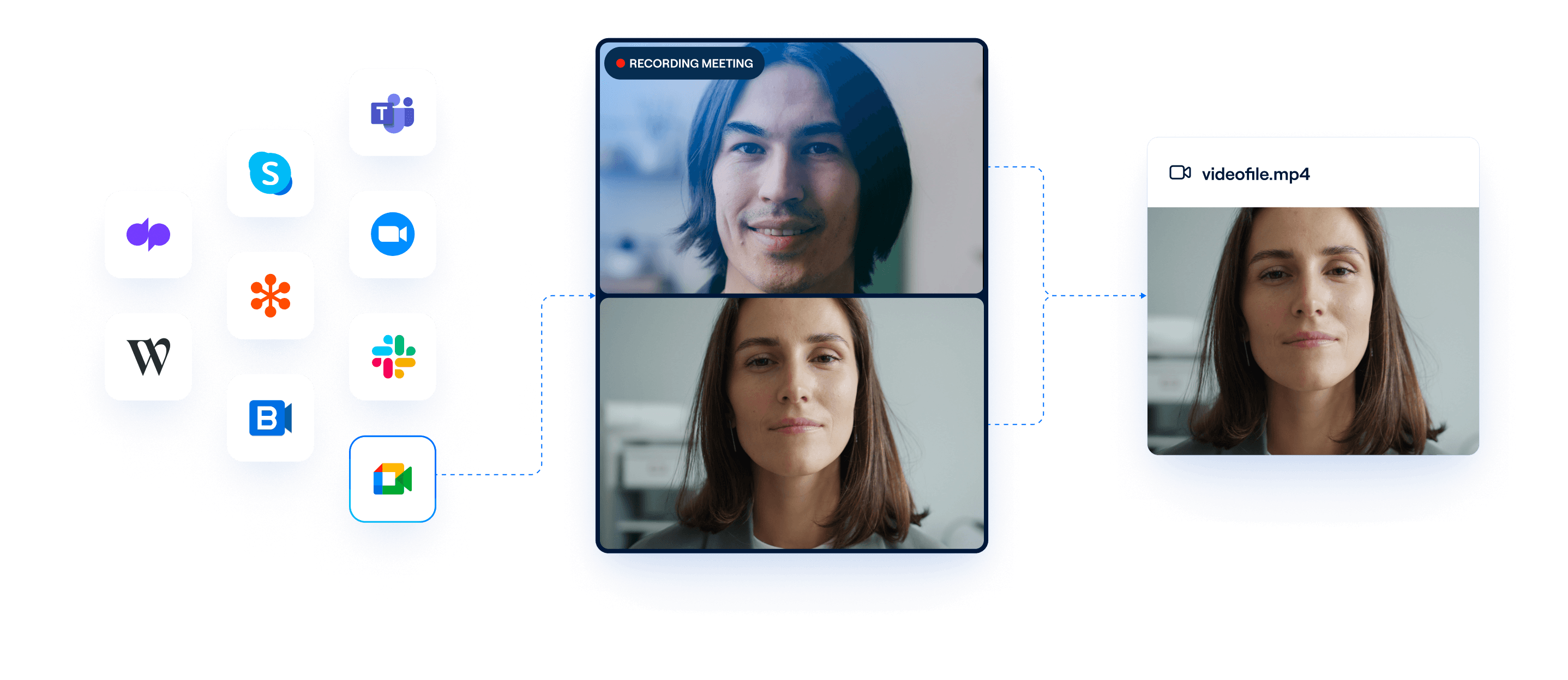
An API to capture high-quality video recordings
Capture high-quality video of both in-person and virtual conversations. Teams can use Recall.ai’s high-fidelity recordings to power AI features, such as facial expression analysis or visual speaker identification to determine which person in a conference room is talking.
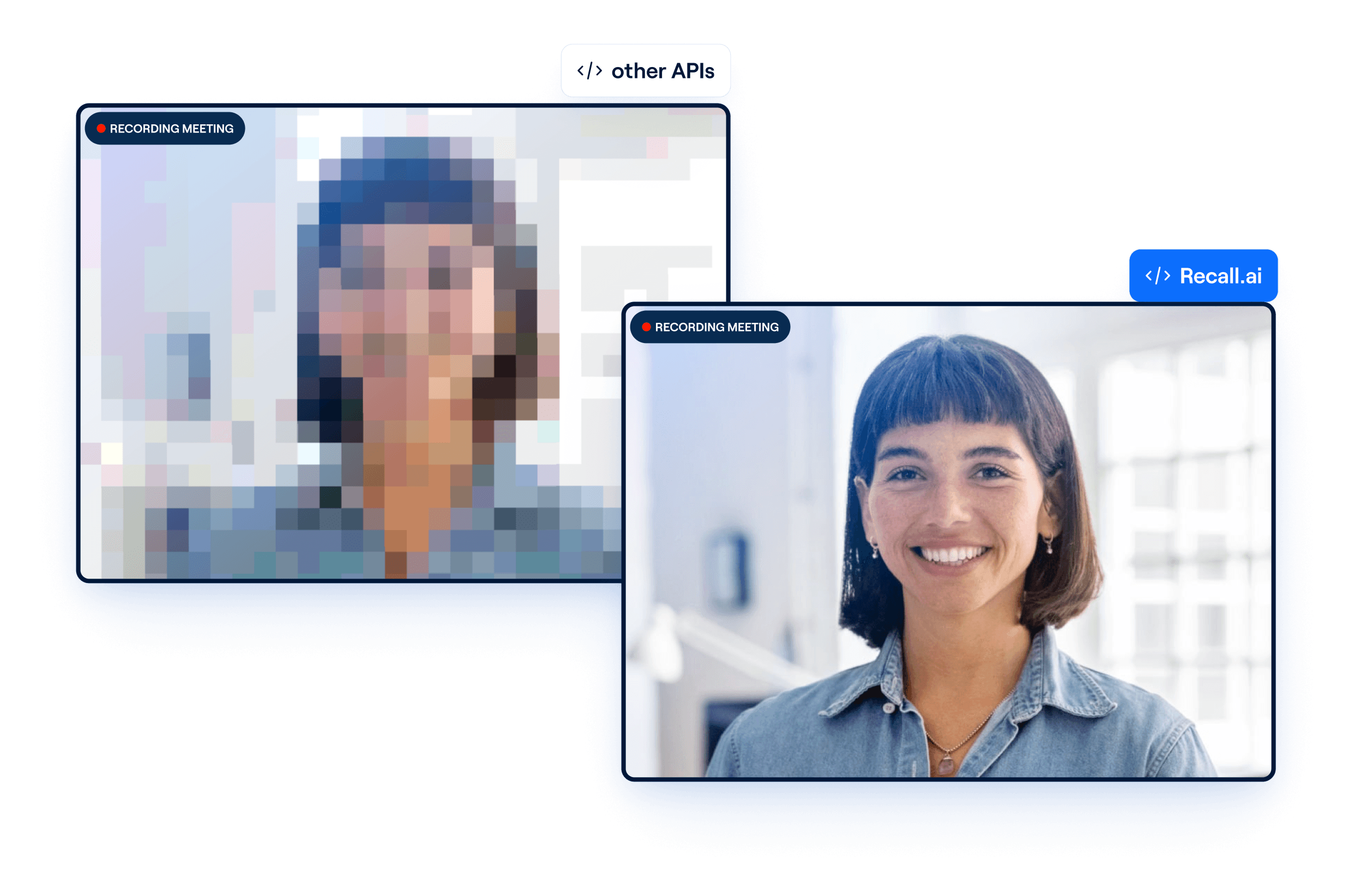
Record video in real-time or asynchronously
Recall.ai’s unified video recording API captures meetings across Zoom, Google Meet, Microsoft Teams, and more. Access video in real time to power features like live call coaching, or retrieve a completed recording after the meeting ends.
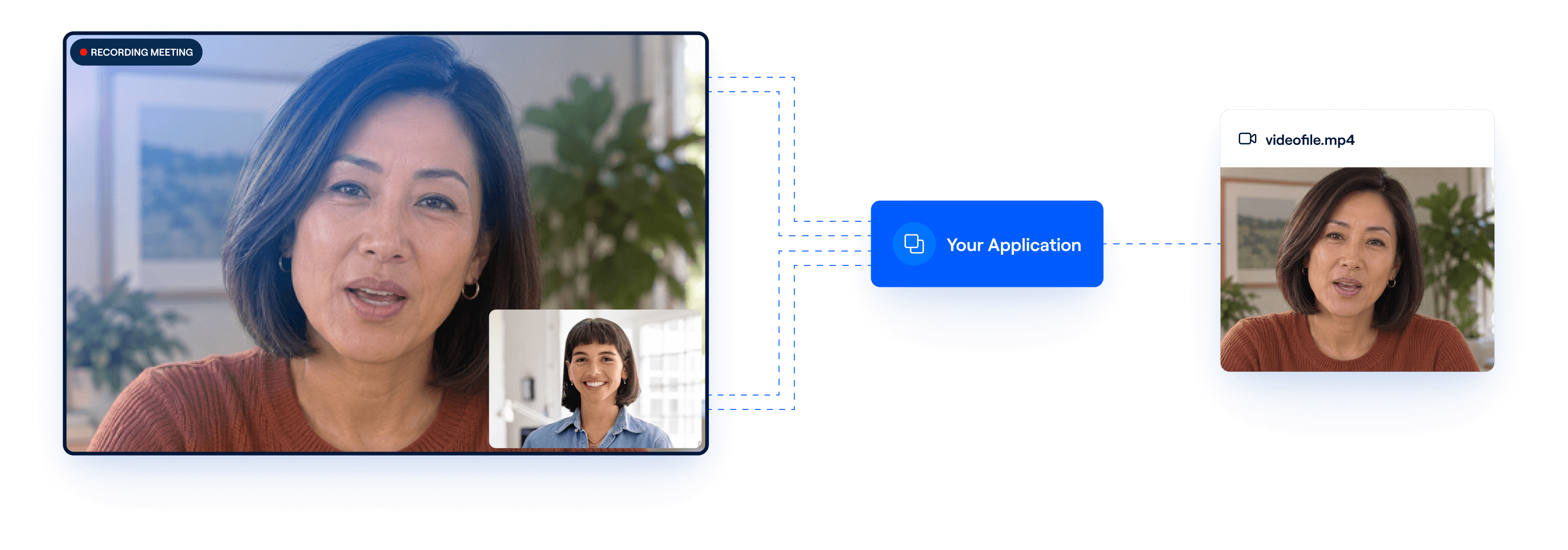
A customizable video recording API
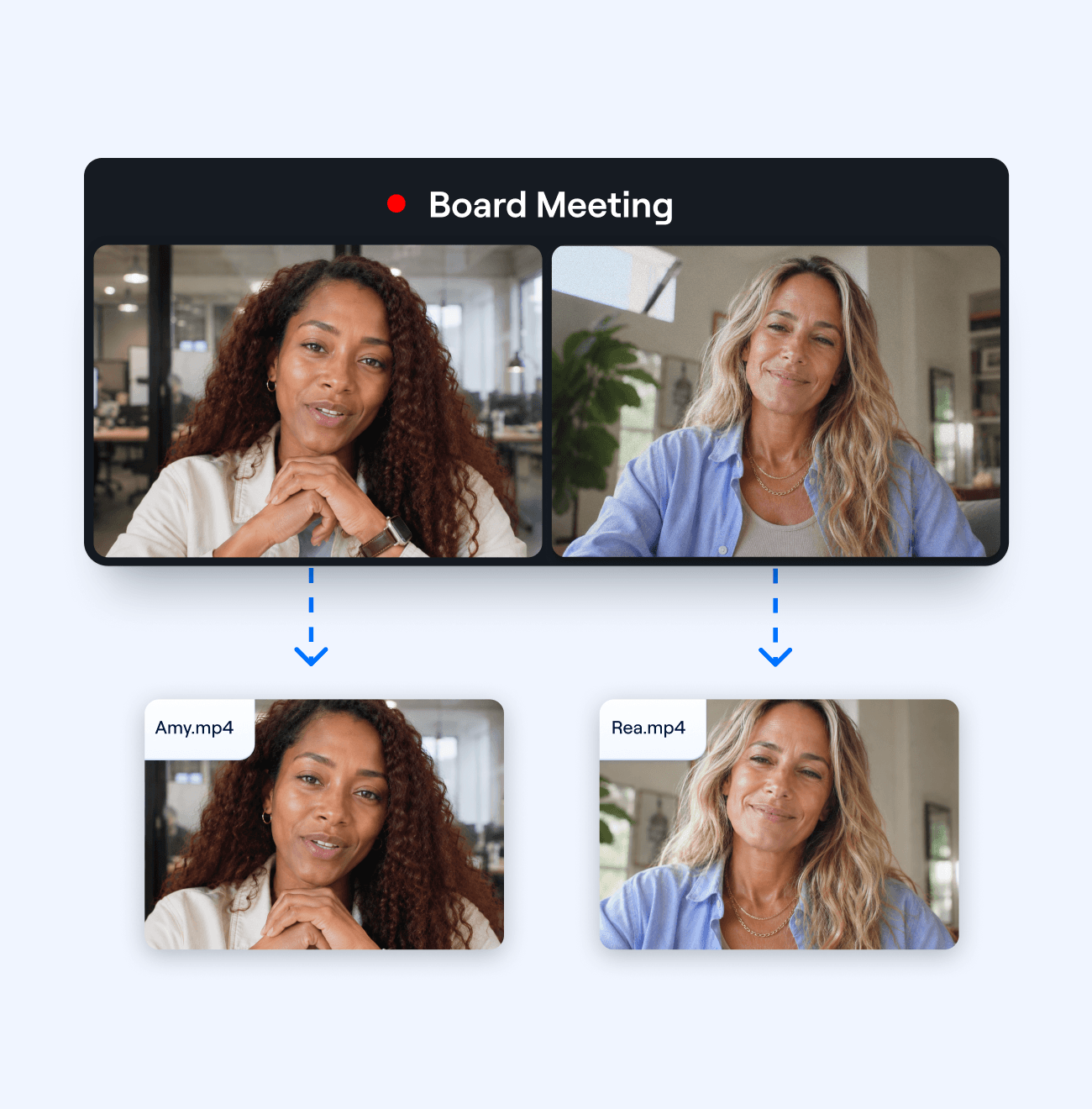
Get separate video streams per participant
Recall.ai offers the option to capture a separate video recording for each meeting participant, rather than a single recording showing everyone together. This supports applications that need to independently analyze each attendee.
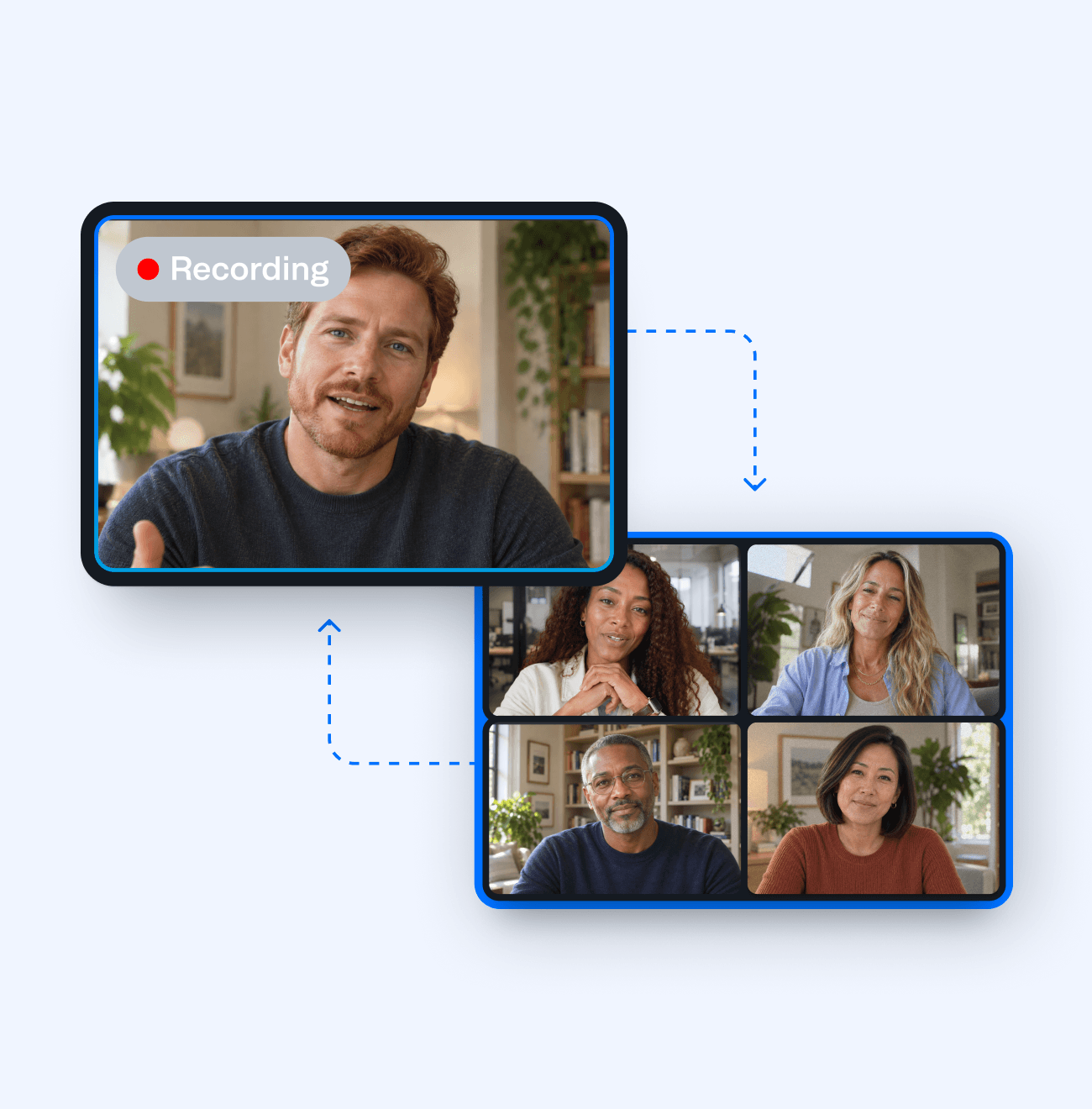
Video recordings in speaker or gallery view
Recall.ai allows teams to configure the layout of the final video recording. Choose between speaker view, which focuses on the person currently speaking, or gallery view, which displays multiple participants on screen at once.
Capture high-fidelity screenshares through our recorder API
Recall.ai captures high-quality screen shares directly from the source window being shared, preserving fine details and keeping text readable. This allows applications to reliably process information from presentations, demos, and other content shared during meetings.
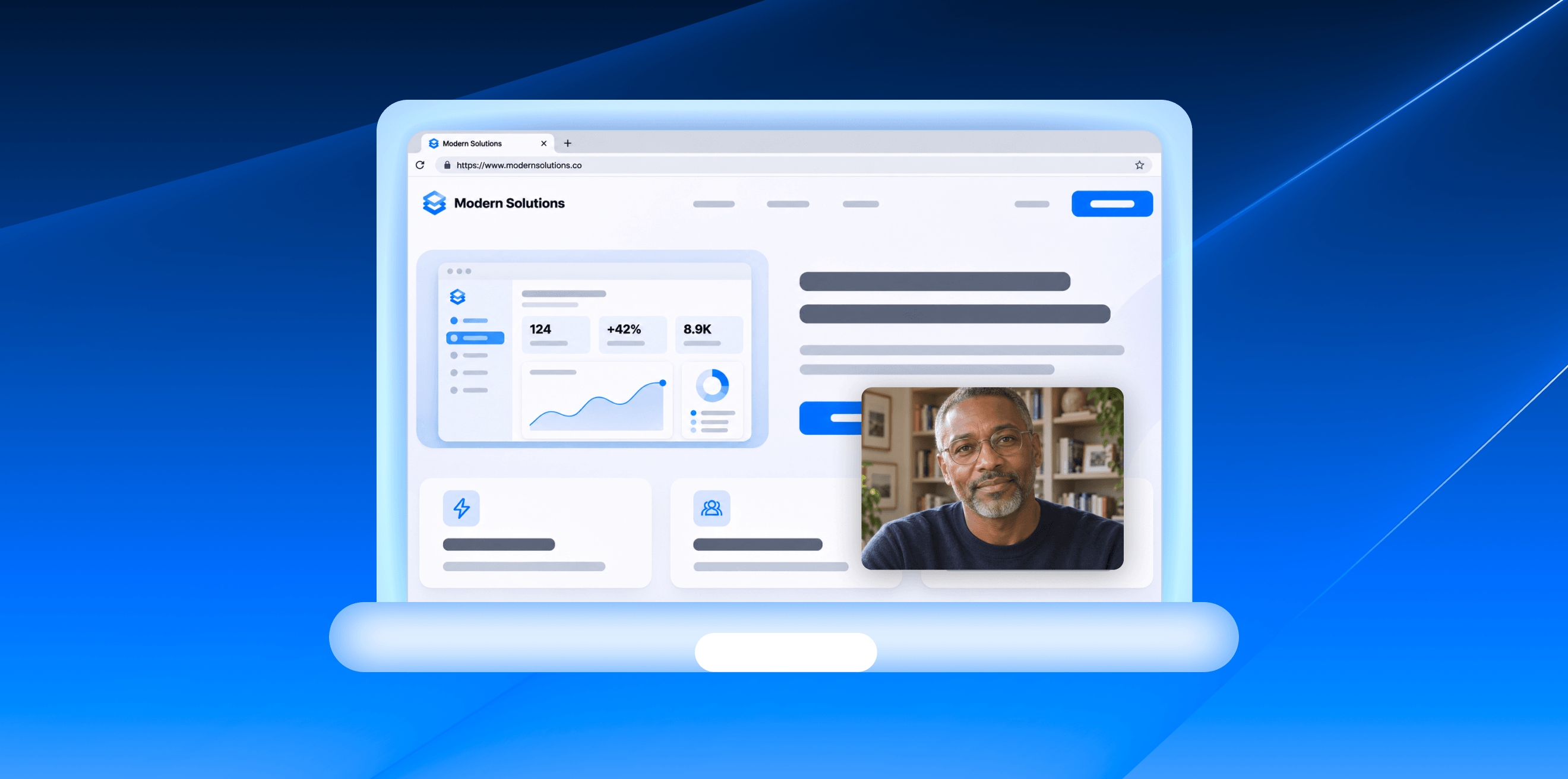
Record video with meeting bots or desktop recording
Record meetings with a visible bot, or offer a botless experience where users capture conversations through a desktop app.


Frequently asked questions
A video recording API lets developers capture and access video recordings programmatically without building recording infrastructure from scratch. Recall.ai's video recording API captures video, audio, transcripts, and meeting metadata from platforms like Zoom, Google Meet, and Microsoft Teams, as well as in-person meetings.
You can sign up for a free Recall.ai account and generate an API key to start recording meetings. It takes just a few minutes to send your first meeting bot to a call or configure a botless desktop recorder.
Both. Recall.ai supports real-time video streaming during meetings as well as asynchronous video recordings after the call ends.
Recall.ai sends a recording.done webhook when all recording media has finished processing. Developers can then retrieve the recording through the API and access the available video download URLs. You can also check the status of individual media files if you need a specific recording before the other outputs are ready.
Yes. Recall.ai offers a free calendar API that allows teams to schedule bots to automatically join and record the meetings of their choice.
Yes. Recall.ai provides video playback URLs that allow developers to stream completed meeting recordings directly in their applications without downloading or hosting the video files themselves.
In addition to recordings, you can get transcripts, metadata, speaker names, and participant emails.
Recall.ai allows developers to either store meeting recordings in their own cloud storage or infrastructure, or configure video storage on Recall.ai’s servers.
Recall.ai allows teams to set a fully custom data retention policy. That includes the option of Zero Data Retention, where Recall.ai will stream but not store meeting data.


