Live Transcription
Accurately transcribe in-person conversations and meetings on Zoom, Google Meet, Microsoft Teams, and more

What is live transcription?
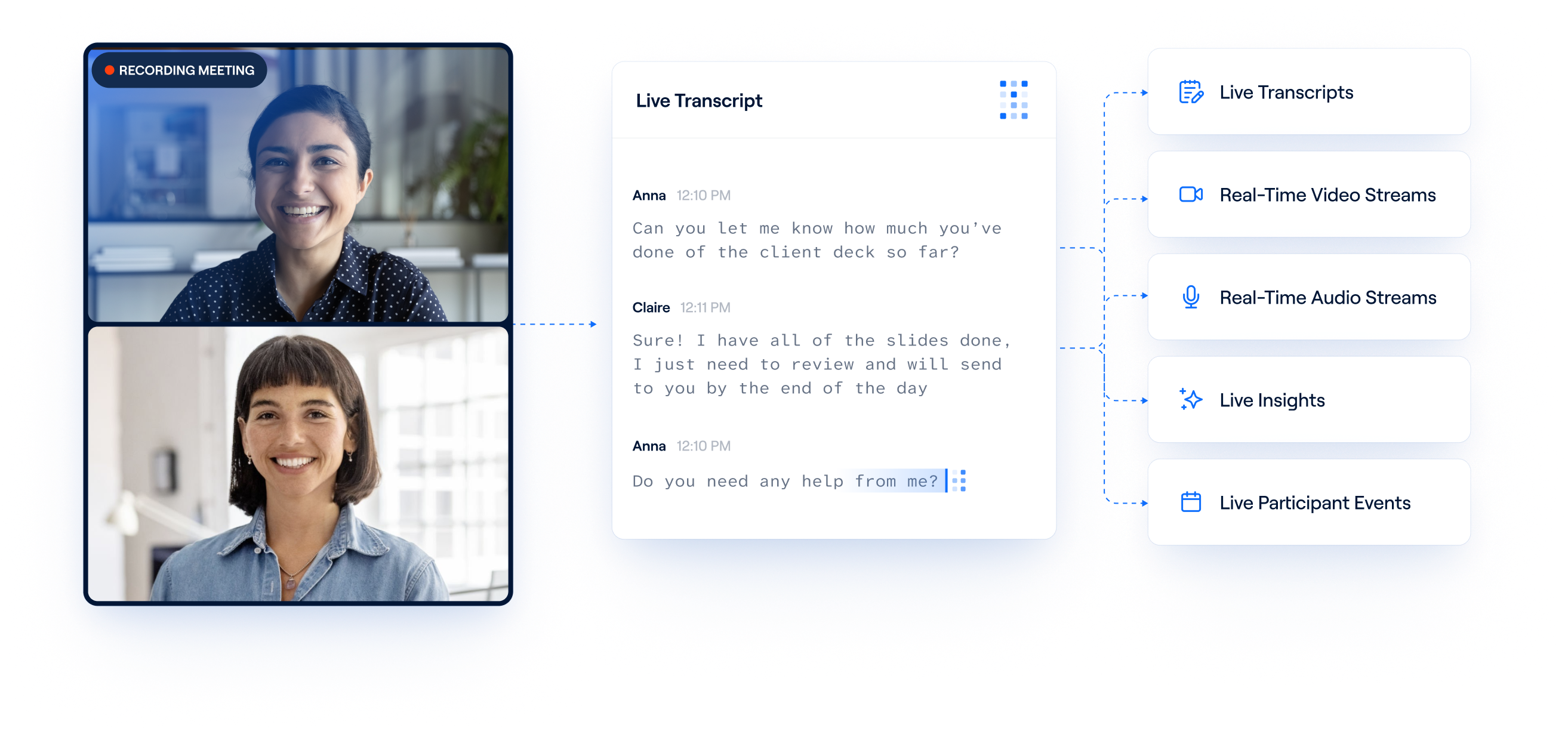
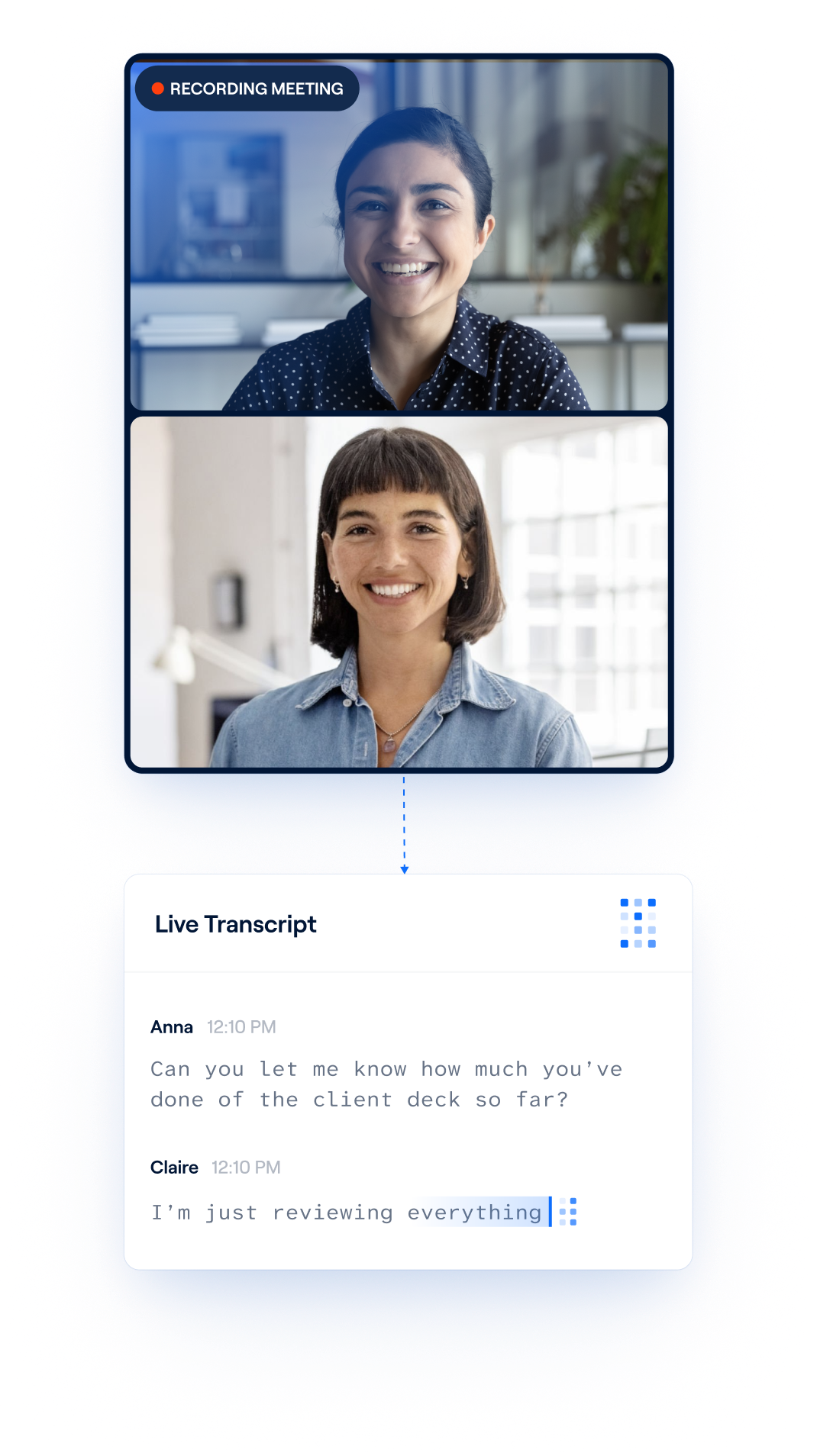
Live transcription is the process of converting spoken audio into written text while a conversation is happening. Unlike post-call transcription, which generates a full transcript after a meeting ends, real-time transcription captures the conversation while it is happening.








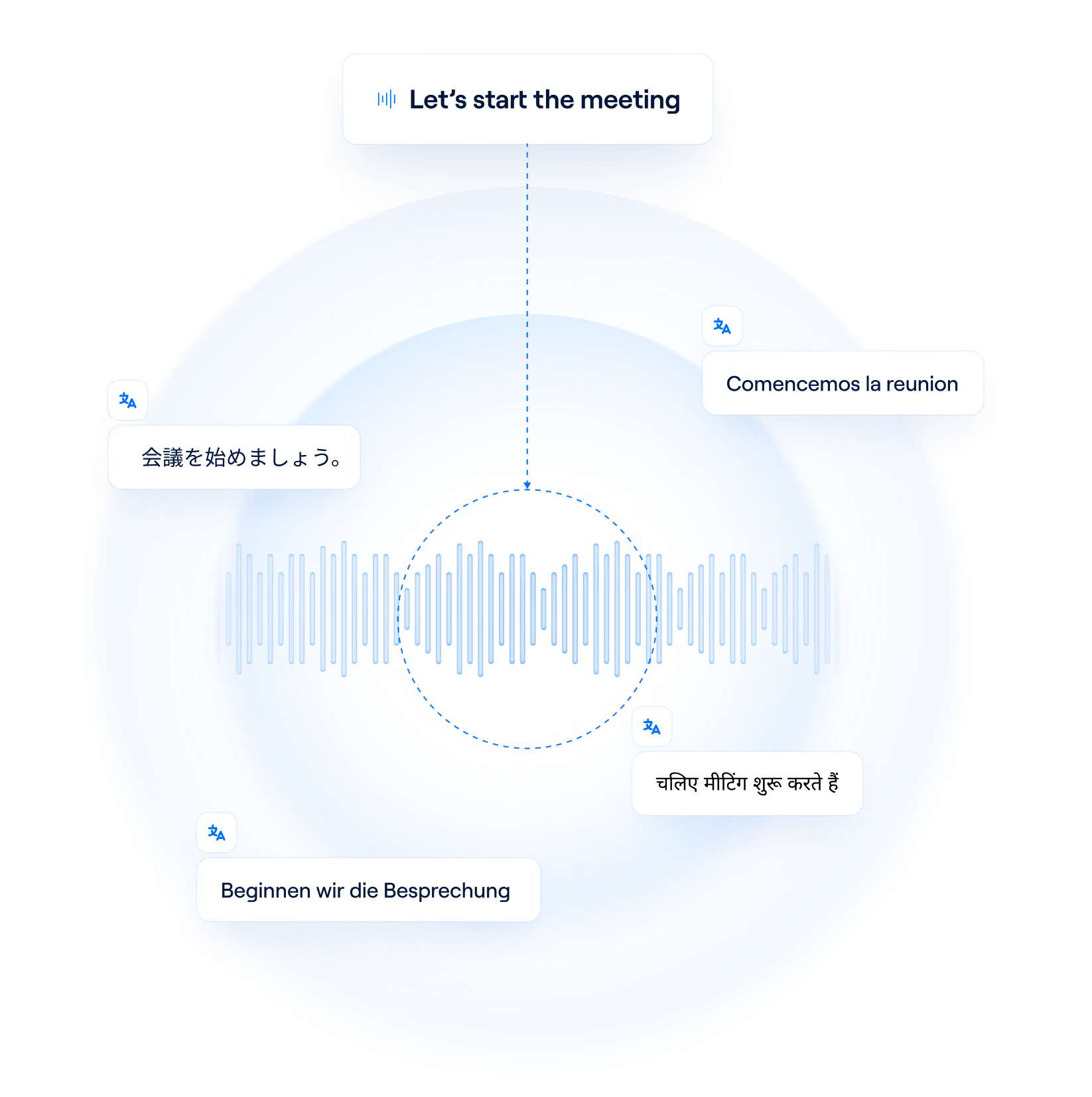
Live transcription in 99 languages
Supporting a wide range of languages, Recall.ai offers a native transcription service out of the box and integrates with multiple third-party transcription providers. With Recall.ai’s unified API, teams can easily benchmark different providers and switch between them based on their accuracy, latency, cost, and language needs.
Get context from live meeting transcripts
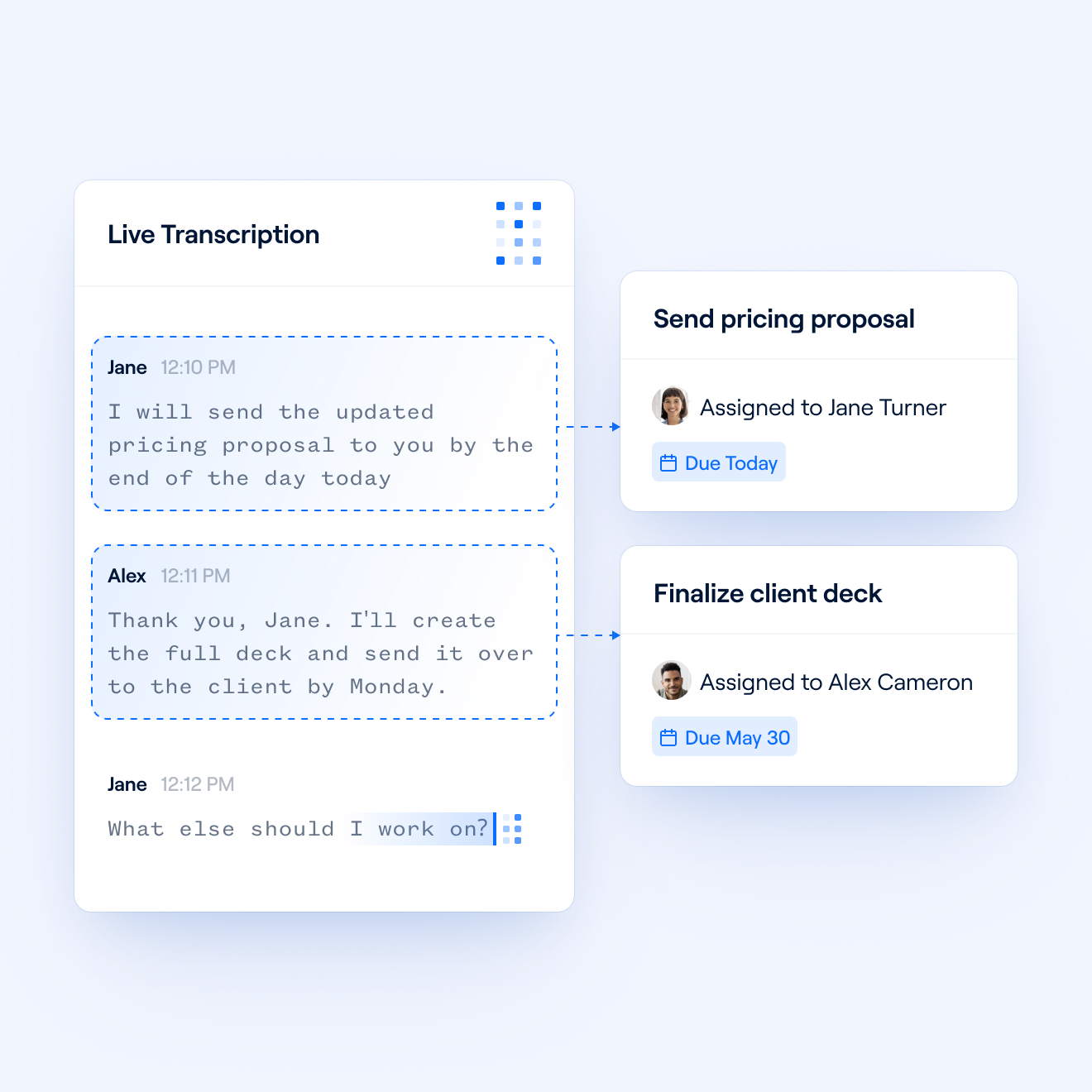
Along with transcripts, your application can receive metadata like participant names and emails in real time. Recall.ai supports accurate speaker attribution across both in-person and virtual conversations.
Perfect speaker diarization
Perfect speaker diarization
Get 100% accurate speaker identification out of the box. Recall.ai is the only transcription provider that can reliably diarize conversations with accurate speaker names across all major meeting platforms.
Timestamps, metadata, and more
Timestamps, metadata, and more
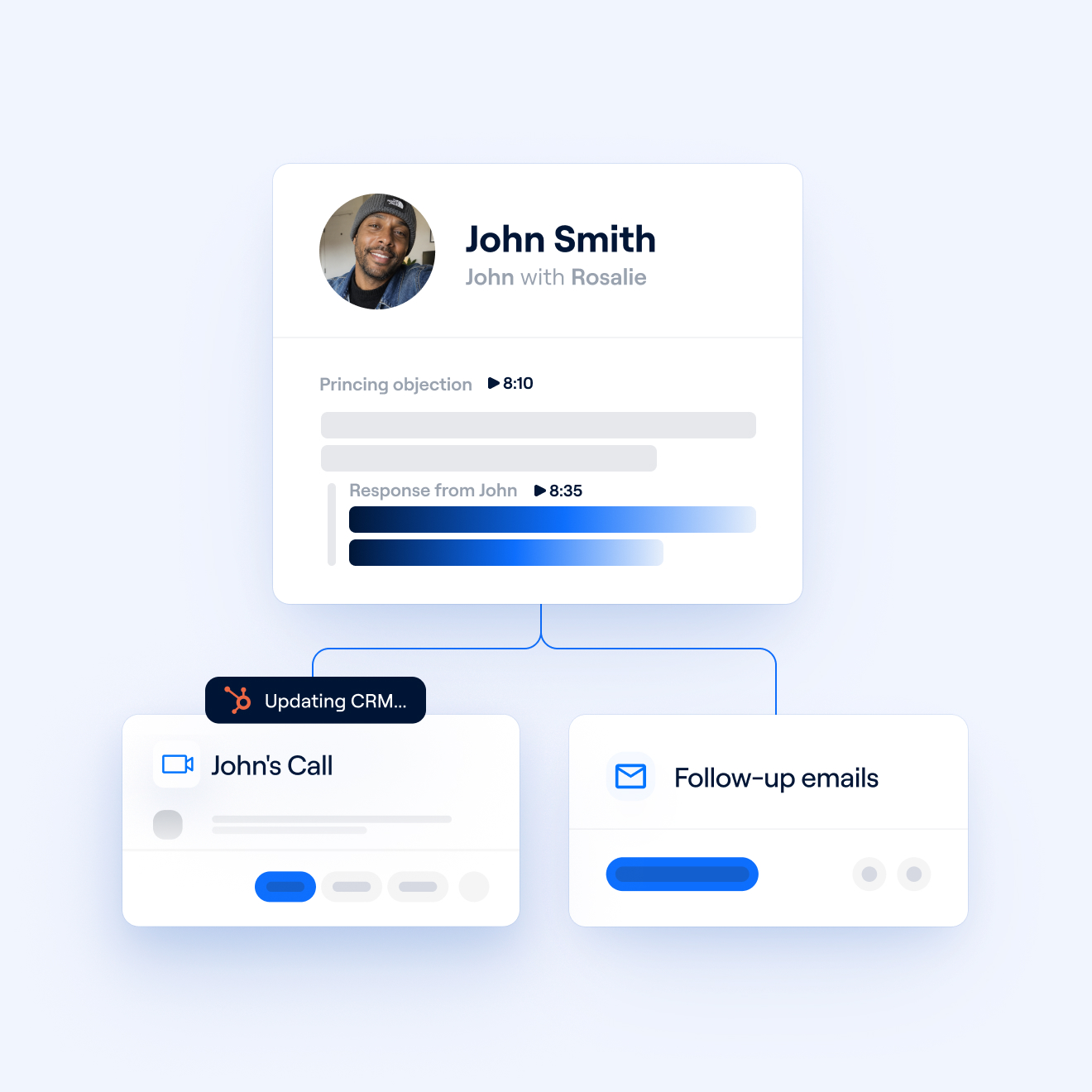
Recall.ai returns transcripts with timestamps, conversation metadata, and participant information so you can build features like speaker timelines, automated participant follow-ups, and CRM updates.
What can you do with live transcription?
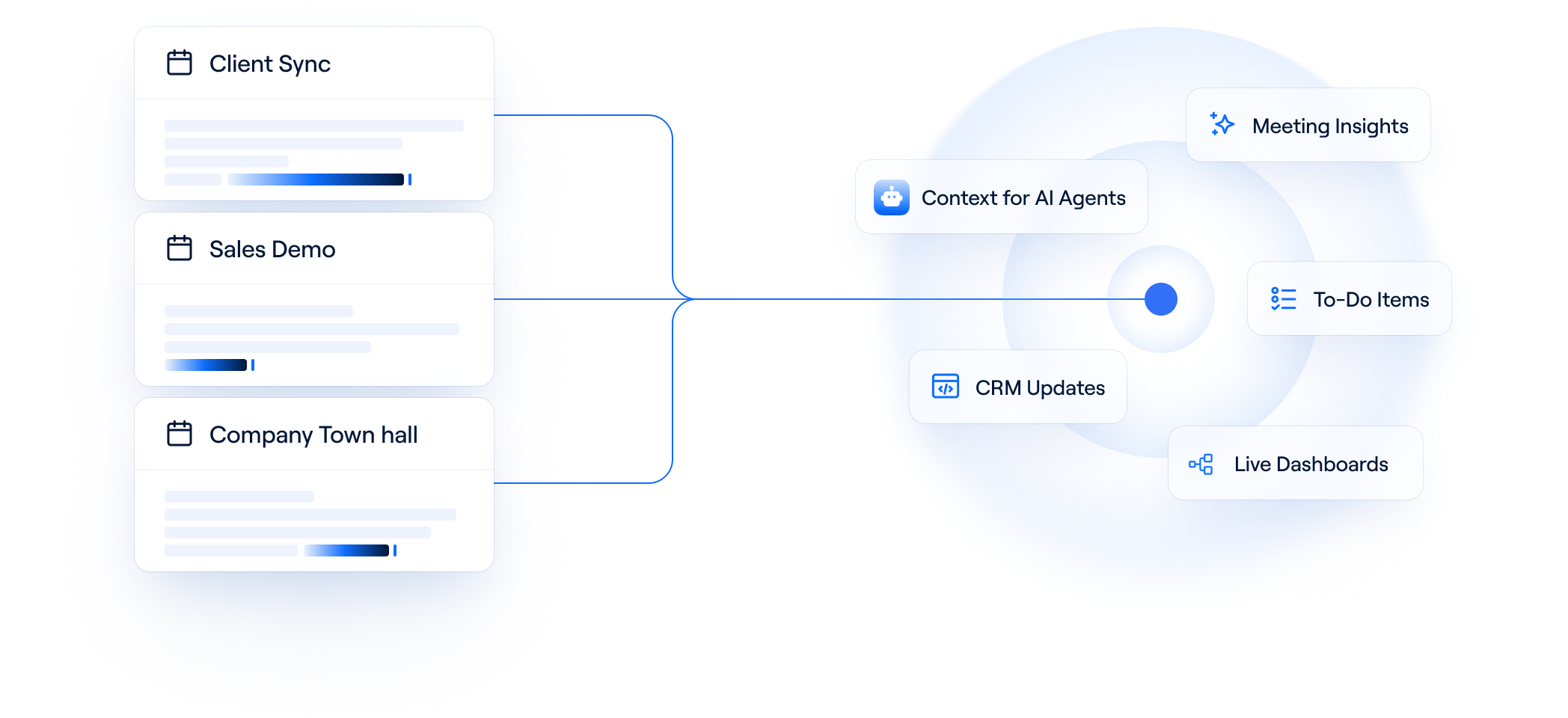
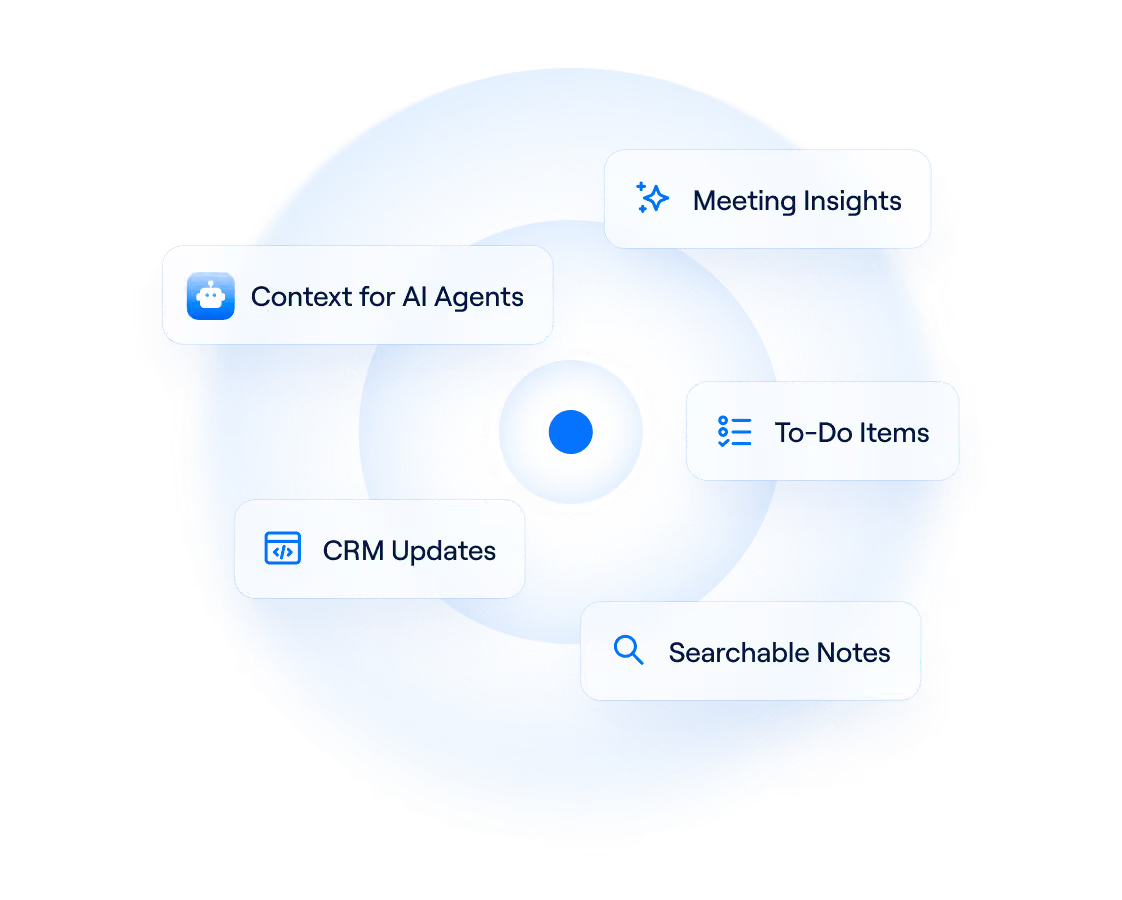
Live transcription suits any situation in which what is said in the meeting needs to be reflected immediately. This includes use cases like real-time meeting notetakers, AI assistants that respond during a meeting, insights that need to arrive during the conversation, and live updates in project management tools, CRMs, or data dashboards.
Why use Recall.ai for live transcription?
Recall.ai’s unified transcription API delivers accurate transcripts for in-person conversations as well as meetings on platforms like Zoom, Google Meet, and Microsoft Teams. In addition to real-time transcripts, Recall.ai delivers live audio, video, participant events, and more.
Live vs asynchronous transcription
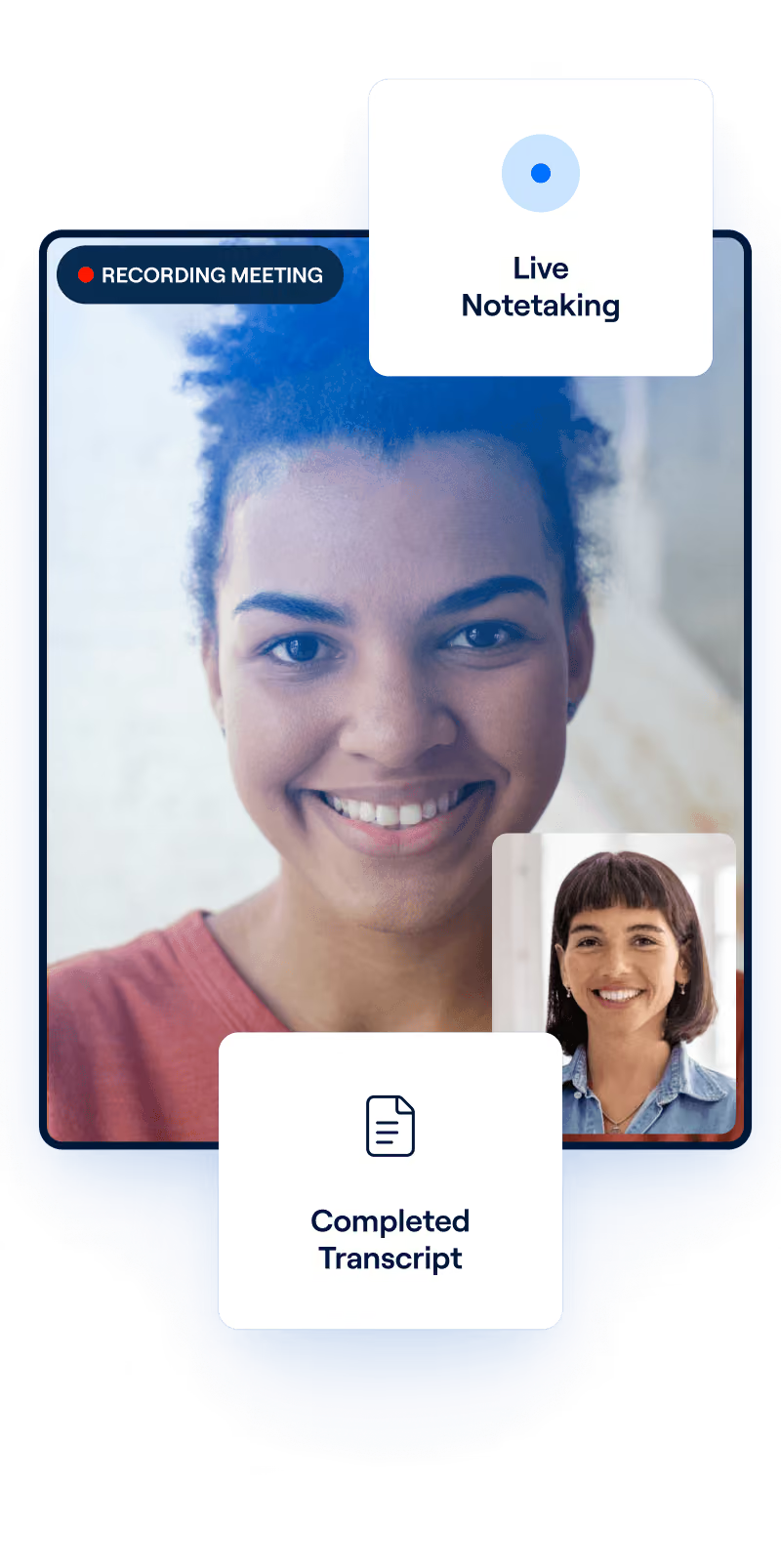
Recall.ai offers both real-time and asynchronous transcription through one API. Stream transcripts, audio, video, and participant events to your application as the meeting happens, or receive complete recordings, transcripts, and other data after the meeting ends.
Live transcription with or without a bot participant
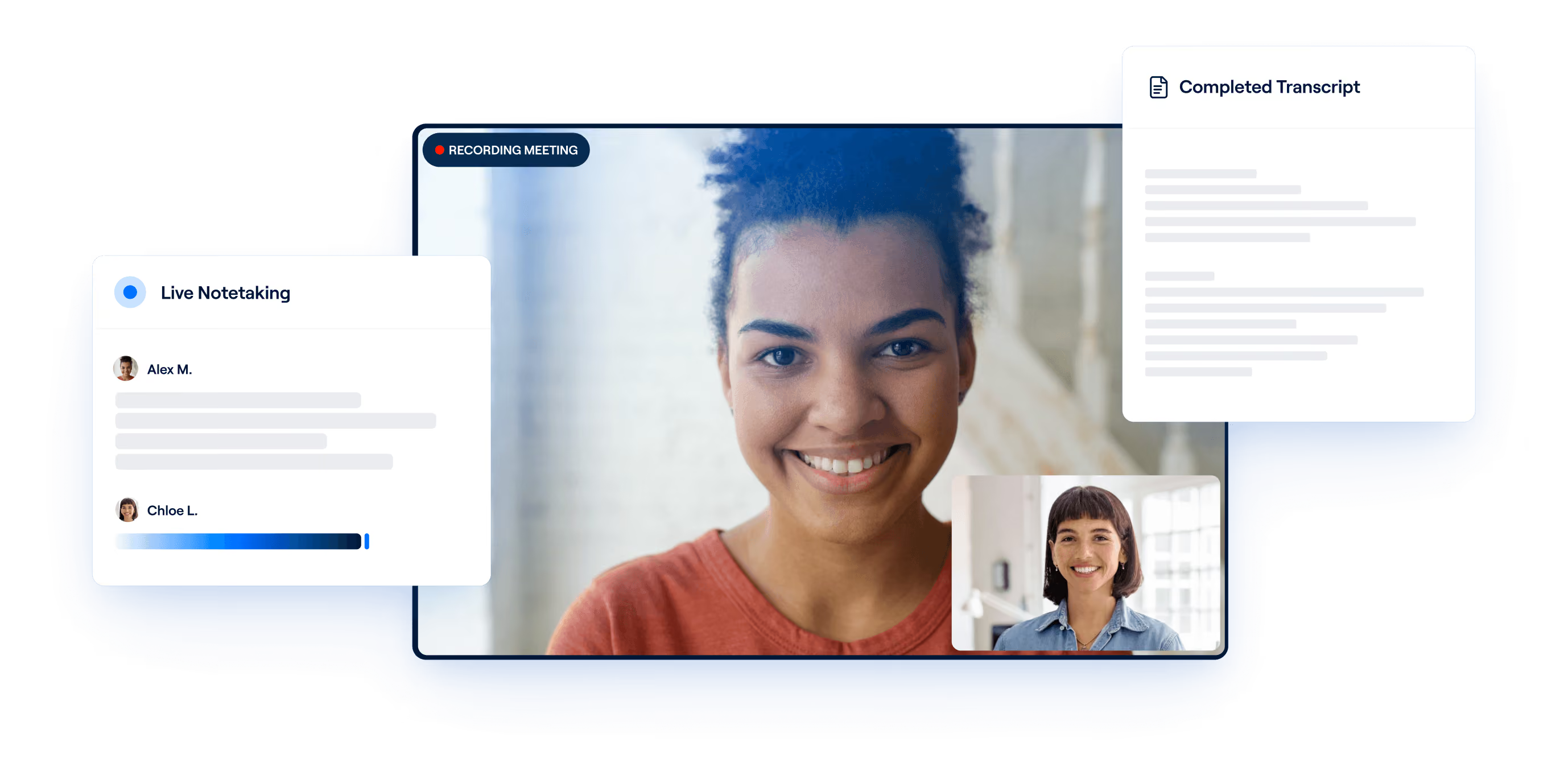
You can build your notetaker to record meetings with a visible bot, or offer a botless experience where users capture conversations through a desktop app.




Frequently asked questions
You choose: Recall.ai can push transcript events to a webhook endpoint or stream them over a persistent websocket connection. You configure the endpoint and the events you want when you create the bot or recording.
Instead of waiting for a complete utterance, you can choose to receive partial data, or utterances that are still in progress. This is useful for use cases like live captions or other scenarios where what the user is saying needs to be immediately reflected on the screen. To receive partial transcript data, add transcript.partial_data to the events list in recording_config.realtime_endpoints.
Recall.ai offers two modes for real-time transcription: prioritize_low_latency and prioritize_accuracy. You should pick prioritize_low_latency when your application needs transcripts as quickly as possible, and prioritize_accuracy when the quality of the transcript is more important than receiving each utterance immediately. Prioritize_accuracy is the default mode for Recall.ai Transcription
Every transcript.data and transcript.partial_data event includes a participant object with information like the speaker's platform ID, display name, host status, and email (if participant identification is turned on).
Yes, if you use providers that support transcription codeswitching. Codeswitching refers to when people switch between languages as they speak (for example, changing between English and Spanish throughout a sentence). Most transcription providers can detect the spoken language and tag each utterance with the appropriate language code. See Multilingual Transcription for provider-by-provider details and configuration.
You can use Recall.ai Transcription out of the box, or bring your own API key for providers including Deepgram, AssemblyAI, ElevenLabs, Gladia, Speechmatics, AWS Transcribe, Rev, Soniox, and Grok (xAI).
No. Recall.ai's Desktop Recording SDK transcribes in real time without a bot participant in the call, and supports the same transcription configuration as the Meeting Bot API.
Recall.ai captures separate audio streams per participant across both the Meeting Bot API and the Desktop Recording SDK. This means that audio can always be attributed to the correct speaker, even when multiple people talk over or interrupt each other.
Recall.ai maintains a persistent connection and automatically retries on network interruptions, so brief outages don't end the transcript stream.
Yes. Enabling transcription also makes the complete transcript retrievable via the API once the meeting ends, alongside the recording and other artifacts.
Yes. Recall.ai publishes a sample app that sends a bot to a meeting and streams transcript data back in real time, which you can run or fork as a starting point.


