


Calendar Integration API
Automatically record and transcribe meetings using calendar data, across every major video conferencing platform

The best Calendar API for meetings
Get calendar data and meeting data through a single API, without building and maintaining complex calendar logic.
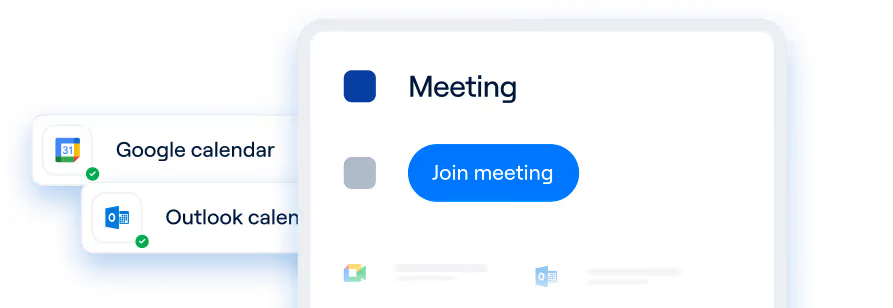
Connect your app to Google Calendar and Microsoft Outlook
Use the Recall.ai Calendar Integration API to integrate with your users’ Google Calendar or Microsoft Outlook accounts.
Sync calendar data and meeting data
Recall.ai’s Calendar API combines event details like event titles, timing, participant name and emails, and organizer information with meeting recording, speaker diarized transcripts, and maps speakers to participant emails.


Participant Emails

Meeting Transcripts

Meeting Recordings

Meeting Titles
Calendar integration APIs handle edge cases when linking calendar events to meeting recording
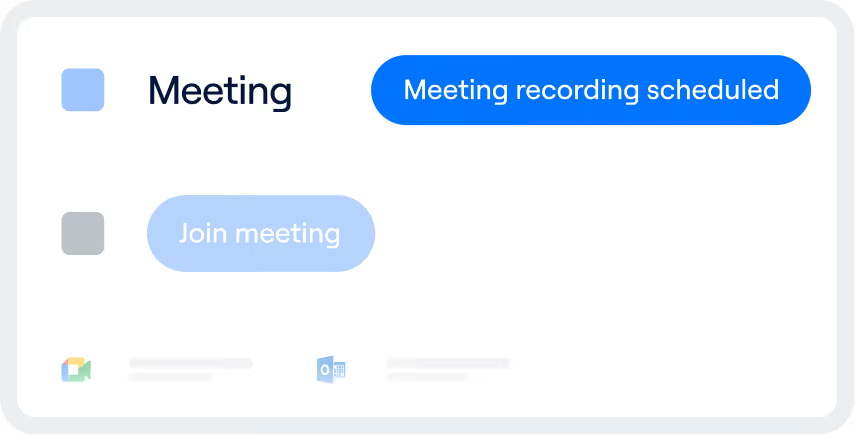
Recording meetings based on calendar events breaks in subtle ways. Recall.ai’s Calendar Integration API is built to handle those cases by default.
Meeting recordings stay in sync with calendar changes
Once calendar access is authorized, changes to event time, participants, and meeting metadata automatically update meeting bot’s scheduled recording and the associated recording data.


Pause, resume, or split recordings within a calendar event
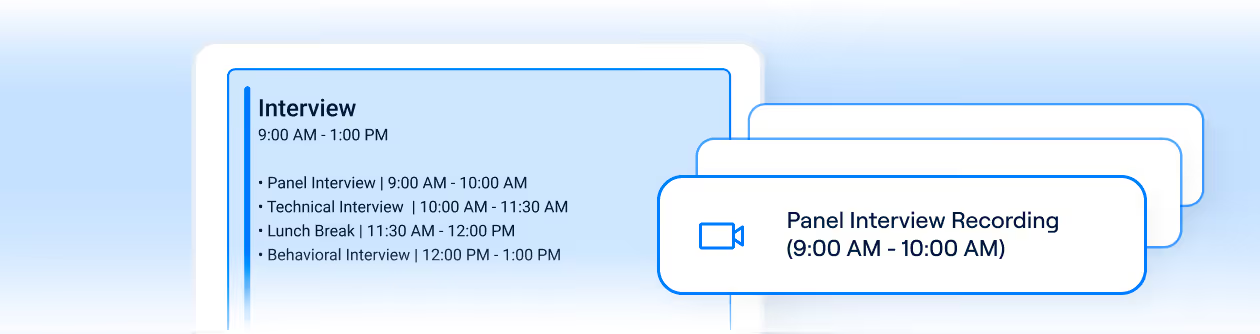
Some calendar events cover multiple back-to-back meetings, such as interview blocks, office hours, or all-day sessions. You can pause, resume, or split recordings as needed, while keeping each recording linked to the calendar event it came from.
Built-in meeting bot deduplication
Recall.ai prevents duplicate meeting bots when users from the same organization schedule meeting bots for the same meeting.

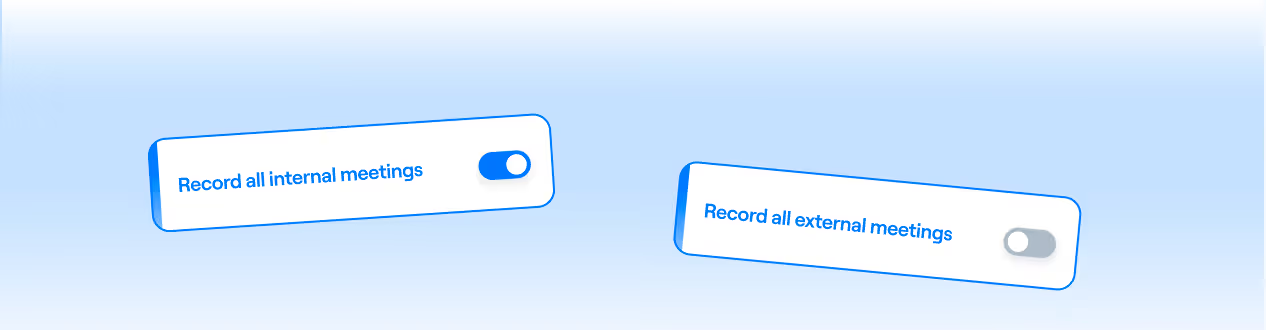
Custom recording rules
Not every meeting should be recorded. Recall.ai’s Calendar Integration API lets teams define rules to control which meetings are recorded, making it easy to exclude sensitive conversations or skip meetings that don’t need recording.
A free calendar integration API
Recall.ai’s Calendar Integration API is free to use and can be enabled alongside any Recall.ai recording method to attach calendar context to meetings and orchestrate meeting recording.

.svg)


Frequently asked questions
A calendar integration API lets an application connect to calendar services like Google Calendar, Outlook, or Apple Calendar. Some calendar APIs allow your app to read and update events, access meeting details, and react to schedule changes such as reschedules or participant updates.
The benefits depend on what you want to build. Recall.ai’s Calendar API allows users to automatically record meetings and attaches the calendar event data to the meeting recordings and meeting transcripts. Using Recall.ai’s Calendar API, you can match participant emails to speakers, get meeting titles, and more.
Building your own integration means handling authentication, permissions, expired access, differences between calendar providers, and ongoing maintenance. A third-party provider like Recall.ai handles those complexities with a single API, while providing data like participant emails and meeting titles.
With Recall.ai’s Calendar Integration API, you can keep an existing calendar integration if you already have one and layer Recall.ai on top to manage meeting recording and calendar context, at no additional cost.
Recall.ai's Calendar API is the best option for most users because it is completely free, fits with Recall.ai's recording products, and allows engineers to easily connect meeting data and calendar data.
Most calendar integrations support Google Calendar and Microsoft Outlook (including Office 365 and Exchange). Third-party APIs like Recall.ai normalize data from these providers into a consistent format so applications don’t need provider-specific logic.
Common challenges that calendar APIs have to solve include handling different time zones, supporting events that don’t have clear start and end times (like all-day events), dealing with permissions that vary by calendar provider, keeping up with events that are edited after they’re created, scaling across many calendars and accounts, and adapting when calendar providers change or deprecate parts of their APIs. If you try to build a calendar API to pair with meeting recording from scratch, a host of challenges arise, such as handling bot deduplication.
Best practices when building a calendar integration API include using webhooks to detect when calendar events change, retrying updates when changes fail due to temporary issues so meetings aren’t recorded at the wrong time or missed entirely, and handling cases where calendar access expires or is interrupted.
A calendar integration API connects to a user’s calendar (via OAuth) to read events and meeting links, then uses those events to schedule recording at the right time. If an event is moved, updated, or canceled, the API picks up the change and adjusts recording behavior so the correct meeting is still captured. After the meeting, users can retrieve the recording and transcript linked back to the original calendar event, including context like the event title, organizer, and participant emails.
Essential security measures include OAuth authentication, data encryption in transit, permission controls, data minimization, and audit trails to protect sensitive scheduling information.
Calendar integrations should use OAuth to provide limited, revocable access to calendar data without sharing passwords. Data should be encrypted in transit and access should be scoped to only what’s required. Integrations that require broader account-level access, such as SMTP-style credentials, introduce unnecessary risk and make permission management harder. OAuth-based integrations are generally safer and easier to manage.
Recall.ai’s Calendar Integration API is completely free, regardless of how many user calendars you need to integrate with. Other providers like Nylas and Cronofy have paid calendar APIs.


